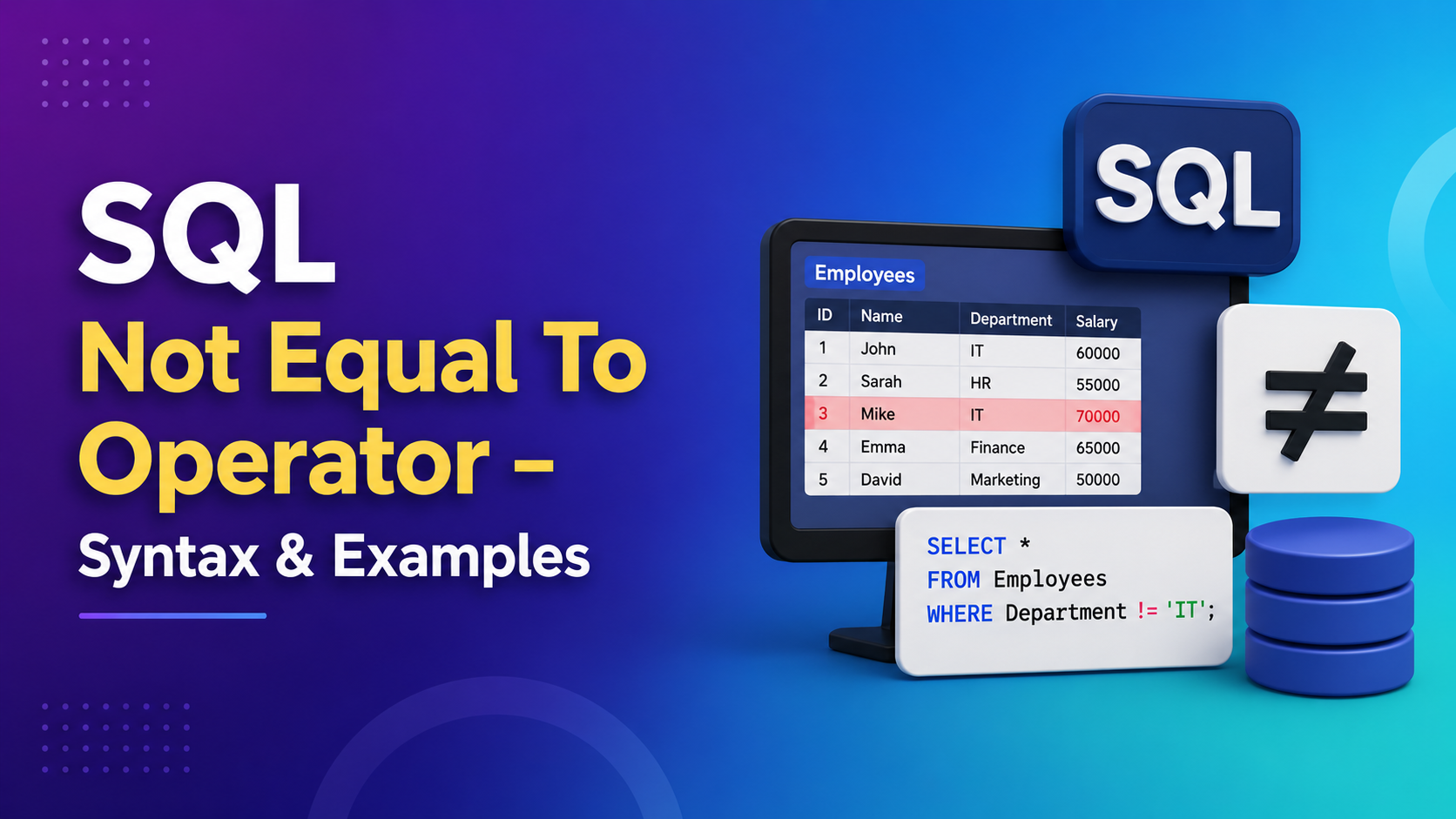
Introduction To SQL Not Equal Operator with Examples
When you start working with databases, filtering data is one of the most frequent tasks you’ll perform. You rarely want all the data; usually, you need specific slices of information. While most beginners start with basic equality checks (finding rows that match), the real power lies in exclusion—finding everything except what you don’t want.
This is where the SQL Not Equal To Operator comes into play. It is a fundamental tool in your query toolkit, allowing you to refine results by excluding specific criteria. In technical terms, a comparison operator is a reserved word used in an SQL statement WHERE clause to compare two elements. These operators enumerate conditions and serve as conjunctions for complex logic.
In this comprehensive guide, we will dive deep into the SQL Not Equal To Operator. We’ll cover its syntax, how it handles edge cases like NULL values, and walk through practical examples that you can apply immediately to your projects. Whether you are preparing for an interview or building a robust application, understanding this operator is crucial.
What is the SQL Not Equal To Operator?
The SQL Not Equal To Operator is used to compare two expressions in a query. As the name suggests, it returns a result only when the values being compared are not identical. If the values differ, the condition is met, and the row is returned.
Interestingly, SQL offers two ways to write this operator, which often confuses newcomers:
<>: This is the standard ANSI SQL notation. It is supported by virtually every database management system (DBMS).!=: This looks familiar to programmers coming from languages like Python, Java, or C++. It works in most modern systems like MySQL, SQL Server, and Oracle, but technically,<>is the universal standard.
Note: In almost all standard scenarios, != and <> will give you the exact same results. However, sticking to <> ensures maximum portability across different database platforms.
The Return Value Of SQL Not Equal
To understand how the computer processes this, think of it as a boolean expression. When you run a query using this operator, the database evaluates the condition for each row.
- True (1): Returned if the two expressions are not equal.
- False (0): Returned if the expressions are exactly equal.
- NULL: This is the tricky part. If either expression involved in the comparison is
NULL, the result isNULL, notTrueorFalse.
For example, consider these logical evaluations:
1 != 2evaluates to True (1 is not 2).3 != 3evaluates to False (3 is 3).
Important Consideration: Handling NULL Values
One of the most critical aspects of the SQL Not Equal To Operator is how it interacts with NULL. In SQL, NULL represents missing or unknown data. It is not zero, and it is not an empty string; it is the absence of a value.
Because NULL means “unknown,” you cannot strictly say that NULL is “not equal” to a value like ‘Joe’. Since we don’t know what NULL contains, we cannot confirm the inequality. Therefore, column_name != 'Joe' will exclude rows where column_name is NULL.
If you want to exclude ‘Joe’ but include records where the name is missing (NULL), you must explicitly add a check for NULL:
SQLWHERE column_name != 'Joe' OR column_name IS NULL
Understanding this nuance separates junior developers from senior ones. Always account for potential NULL values when designing filters.
Syntax and Variations Across Databases
While the core logic remains the same, slight syntax preferences exist depending on your environment.
- MySQL: Supports both
!=and<>. - PostgreSQL: Supports both, prefers
<>for standards compliance. - SQL Server: Supports both.
- Oracle: Traditionally preferred
<>but fully supports!=.
For the purpose of this guide, we will show examples using <> as it is the most robust choice, but feel free to use != if that feels more natural to your coding style.
Practical Examples of SQL Not Equal
Let’s move beyond theory and look at real-world applications. Imagine we have a table named customers with columns customer_id, name, city, and points.
Example 1: Get All Customer Details Except One ID
Sometimes, for testing purposes, you might want to analyze your customer base but ignore a specific test account, say ID number 1.
Query:
SQLSELECT * FROM customers
WHERE customer_id <> 1;
Logic: This query selects every row from the customers table. However, as soon as it encounters a row where customer_id matches 1, it discards it. This is cleaner than selecting IDs 2, 3, 4, 5... individually.
Output: You will see the list of all customers starting from ID 2 onwards.
Example 2: Get a List of Customers Except a Specific Name
In marketing, you often need to send emails to everyone except those who have opted out. Let’s say a customer named ‘Elka’ has unsubscribed.
Query:
SQLSELECT * FROM customers
WHERE name <> 'Elka';
Logic: The database compares the name column against the string ‘Elka’. Case sensitivity depends on your database collation settings (usually ‘Elka’ matches ‘elka’ depending on configuration), so ensure your casing matches your data standards.
Output: All customer details are returned except the record associated with Elka.
Example 3: Specifying Multiple Conditions Using SQL Not Operator
Real-world queries are rarely about just one thing. You might want to find customers who are not from New York AND not named ‘Elka’. This is where combining the SQL Not Equal To Operator with AND or OR becomes powerful.
Query:
SQLSELECT * FROM customers
WHERE name <> 'Elka' AND city <> 'New York';
Logic: This acts as a double filter. A row is only kept if the name is not Elka AND the city is not New York. If a row fails either condition (e.g., name is not Elka BUT city IS New York), it gets excluded.
Alternatively, if you want anyone who is NOT ‘Elka’ OR NOT from ‘New York’ (which actually keeps almost everyone unless they are both), you can use OR. However, usually, for exclusions, AND is the logic you want to combine multiple “NOT” clauses.
Example 4: SQL Not Operator and SQL Group By Clause
Aggregation queries often require filtering after grouping. You can combine the SQL Not Equal To Operator with GROUP BY and HAVING.
Suppose you want to analyze city-wise statistics but exclude any city that has a total point sum of exactly 3220 (perhaps that was a bonus error level).
Query:
SQLSELECT city, SUM(points) as total_points
FROM customers
GROUP BY city
HAVING SUM(points) <> 3220;
Logic: First, the data is grouped by city. Then, the sum of points is calculated. Finally, the HAVING clause filters the groups. Any city where the calculation equals 3220 is removed from the final report.
Common Mistakes to Avoid
When using the SQL Not Equal To Operator, developers often stumble over a few predictable pitfalls.
- Ignoring NULLs: As mentioned earlier, forgetting to check for
IS NULLwill cause unexpected data loss in your reports. - Case Sensitivity: In many databases,
'JOE'is not equal to'Joe'. If your data isn’t consistent, your filter might miss things. Using functions likeUPPER()orLOWER()helps normalize this. - Performance: While generally fast, using
NOTconditions on unindexed columns can sometimes lead to full table scans. Ensure your filtered columns are indexed if you deal with massive datasets. - Mixing Syntax: Try to stick to one style (
<>or!=) throughout your project to maintain readability. Mixing them makes code harder for teammates to read.
Why Choose Kaashiv Infotech for Learning SQL?
Learning syntax is easy, but mastering database logic takes practice. At Kaashiv Infotech, we understand the gap between academic knowledge and industry requirements. Our training programs focus heavily on practical implementation, including complex operators like the SQL Not Equal To Operator.
When you enroll in our courses, you aren’t just memorizing keywords. You learn how to structure your database correctly, authorize efficient SQL statements, and manage your SQL database for scalable growth. From structuring your database correctly to authoring efficient SQL statements and clauses, and managing your SQL database for scalable growth, get great work-ready training on SQL and its multitude of applications at work.
If you wish to learn more about SQL, then check out our SQL certification course. Taking this SQL certification course will equip you with all that you need to work with SQL databases and use them in your applications. Gain expertise in the latest Business analytics tools and techniques with the Post Graduate Program in Business Analysis. Enroll now!
Conclusion
Through this article, you have now gained a solid understanding of the SQL Not Equal To Operator. We covered the dual syntax options (<> and !=), explored how it handles boolean return values, and importantly, discussed the quirks of NULL handling. We also walked through four distinct examples ranging from simple ID exclusion to complex aggregation filtering.
Equality operators are foundational, but knowing how to exclude data efficiently improves the performance and relevance of your SQL queries. Whether you are cleaning data, generating reports, or building backend logic, this operator will be your daily companion.
Ready to take the next step? SQL skills are in high demand across IT sectors. By mastering these operators and deeper query structures, you position yourself for top-tier roles. Visit Kaashiv Infotech today to explore our tailored programs designed to bridge the gap between learning and earning.
Frequently Asked Questions
Q1: What is the difference between <> and != in SQL?
There is practically no functional difference in modern databases like MySQL, SQL Server, or PostgreSQL. Both perform the “Not Equal To” check. However, <> is the official ANSI SQL standard, making it the safer choice for cross-platform compatibility.
Q2: How does the SQL Not Equal operator handle NULL values?
Standard logic dictates that comparing anything to NULL results in NULL (unknown). Therefore, column != 'Value' will filter out NULL values automatically. To include NULLs while filtering others, you must add OR column IS NULL.
Q3: Can I use multiple NOT EQUAL conditions in a single query?
Yes, absolutely. You can chain them using AND or OR within a WHERE clause. For instance, WHERE status <> 'active' AND region <> 'US' is a perfectly valid query.
Q4: Is the SQL Not Equal operator faster than using NOT IN?
Generally, yes. The != or <> operator is a direct comparison and is computationally cheaper. NOT IN requires subquery evaluation and can behave unpredictably with NULLs. Stick to != for simple exclusion logic whenever possible.
Q5: Does the SQL Not Equal operator work on string comparisons?
Yes. It works on strings, integers, dates, and booleans. Just remember that string comparison can be sensitive to case (uppercase/lowercase) depending on your database’s collation settings. Using COLLATE or case conversion functions can help.
Q1: What is the difference between <> and != in SQL?
There is practically no functional difference in modern databases like MySQL, SQL Server, or PostgreSQL. Both perform the “Not Equal To” check. However, <> is the official ANSI SQL standard, making it the safer choice for cross-platform compatibility.
Q2: How does the SQL Not Equal operator handle NULL values?
Standard logic dictates that comparing anything to NULL results in NULL (unknown). Therefore, column != 'Value' will filter out NULL values automatically. To include NULLs while filtering others, you must add OR column IS NULL.
Q3: Can I use multiple NOT EQUAL conditions in a single query?
Yes, absolutely. You can chain them using AND or OR within a WHERE clause. For instance, WHERE status <> 'active' AND region <> 'US' is a perfectly valid query.
Q4: Is the SQL Not Equal operator faster than using NOT IN?
Generally, yes. The != or <> operator is a direct comparison and is computationally cheaper. NOT IN requires subquery evaluation and can behave unpredictably with NULLs. Stick to != for simple exclusion logic whenever possible.
Q5: Does the SQL Not Equal operator work on string comparisons?
Yes. It works on strings, integers, dates, and booleans. Just remember that string comparison can be sensitive to case (uppercase/lowercase) depending on your database’s collation settings. Using COLLATE or case conversion functions can help.