Key Highlights 📌
- 🎯 Learn SQL using Squid Games in a fun and memorable way.
- 🎯 Understand SQL basics through simple game-based examples.
- 🎯 Learn essential SQL commands like SELECT, WHERE, ORDER BY, GROUP BY, and JOIN.
- 🎯 Practice SQL with real-life database examples inspired by Squid Games.
- 🎯 Discover how SQL is used by developers, analysts, and businesses.
- 🎯 Avoid common beginner mistakes.
- 🎯 Find the best websites to practice SQL for free.
- 🎯 Build confidence in writing SQL queries from scratch.
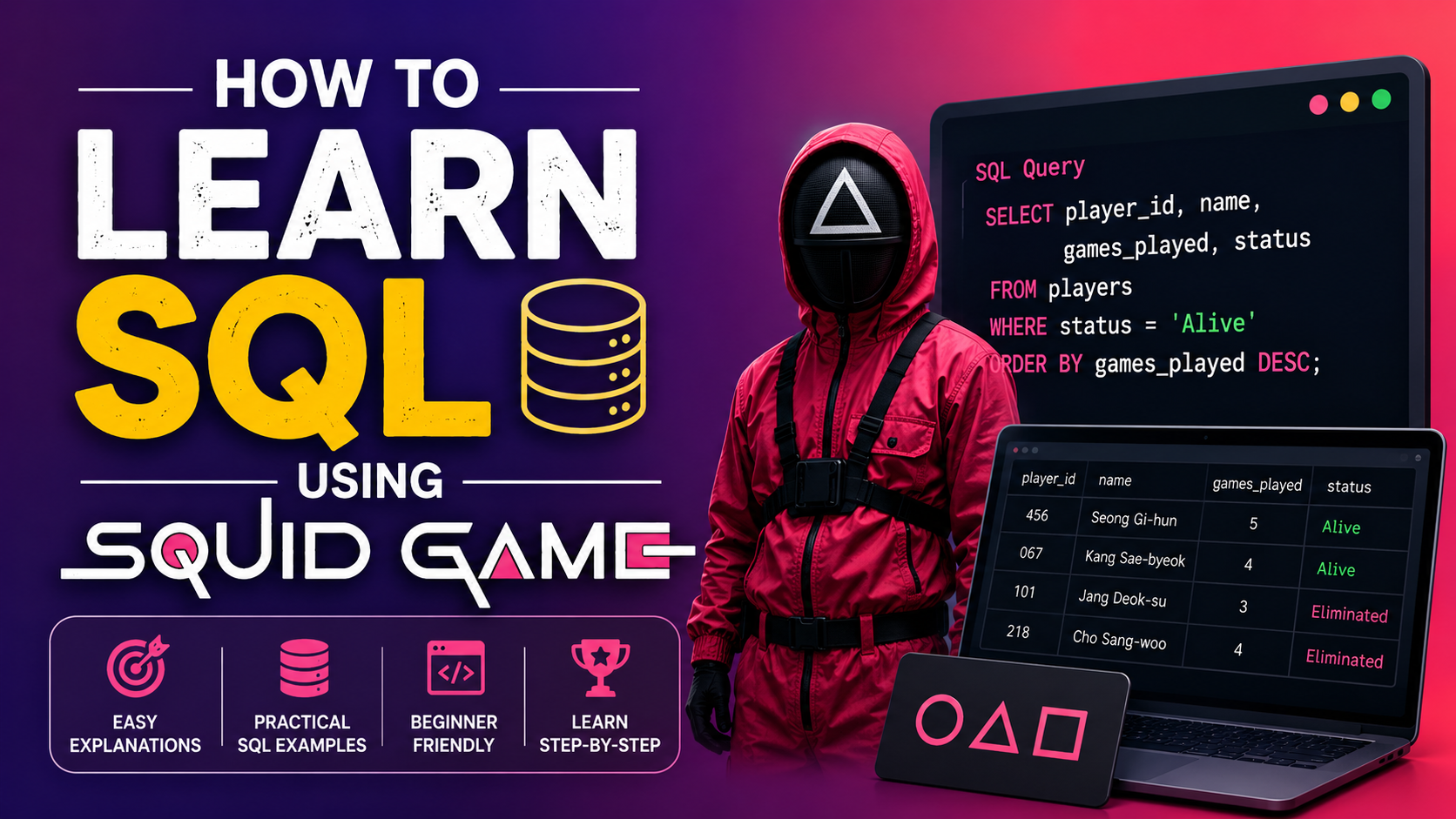
How to Learn SQL Using Squid Games? 🎮
How to Learn SQL Using Squid Games? That’s probably one of the strangest article titles you’ll come across today—but trust me, it works.
How to Learn SQL Using Squid Games? I asked myself this question while watching the series. Every player has an ID, every game has rules, every winner is recorded, and every elimination is tracked. Suddenly, I realized something…
That’s exactly how a database works.
If you’ve been searching for a fun way to learn SQL, this guide is for you. Instead of memorizing boring commands, we’ll imagine that we’re managing the Squid Games database. Along the way, you’ll naturally understand SQL queries, SELECT statements, WHERE clauses, and much more.
Let’s begin! 🚀
What is SQL?
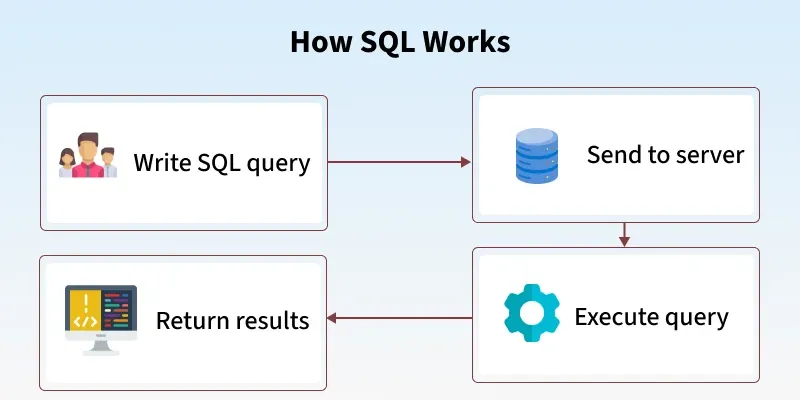
Before we jump into the games, let’s answer the obvious question.
SQL (Structured Query Language) is the language we use to communicate with databases.
Think of a database as a giant notebook that stores information.
SQL lets us:
- View data
- Add data
- Update data
- Delete data
- Organize data
Without SQL, finding information inside millions of records would be incredibly difficult.
Imagine Squid Games as a SQL Database 🎭
Let’s imagine the organizers store everything in one database.
Players Table
| PlayerID | Name | Age | City | Status |
|---|---|---|---|---|
| 456 | Seong Gi-hun | 47 | Seoul | Active |
| 218 | Cho Sang-woo | 46 | Seoul | Eliminated |
| 067 | Kang Sae-byeok | 27 | Seoul | Active |
| 001 | Oh Il-nam | 80 | Seoul | Eliminated |
Instead of searching manually, we use SQL.
Lesson 1: SELECT Statement — Finding Players

The SELECT statement is usually the first thing every beginner learns.
SELECT * FROM Players;This tells SQL:
“Show me every player.”
Want only player names?
SELECT Name FROM Players;Simple!
I remember practicing this command for hours because it immediately showed results. Seeing data appear on the screen made SQL much less intimidating.
Lesson 2: WHERE Clause — Finding Specific Players 🔍
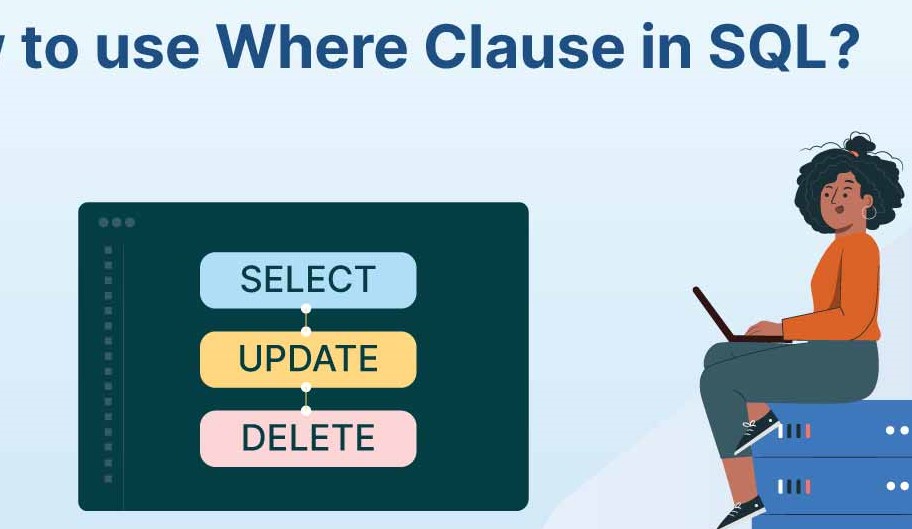
Suppose the game master wants to see only active players.
SELECT *<br>FROM Players<br>WHERE Status = 'Active';The WHERE clause filters data.
Think of it as asking:
“Show me only what I need.”
This is one of the most-used SQL commands.
Lesson 3: ORDER BY — Ranking Players
Imagine ranking players by age.
SELECT *<br>FROM Players<br>ORDER BY Age DESC;The oldest player appears first.
You can also sort names alphabetically.
ORDER BY Name;Sorting data is something you’ll do almost every day as a developer or analyst.
Lesson 4: COUNT — How Many Players Are Left?
Suppose only active players remain.
SELECT COUNT(*)<br>FROM Players<br>WHERE Status = 'Active';Output:
215Instead of counting manually, SQL does it instantly.
That’s the beauty of databases.
Lesson 5: GROUP BY — Count Players from Each City
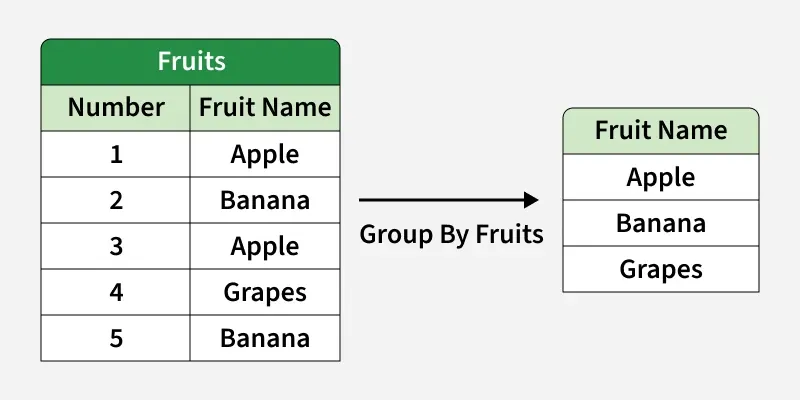
Imagine contestants came from different cities.
SELECT City,<br>COUNT(*)<br>FROM Players<br>GROUP BY City;Now you’ll know how many players belong to each city.
Businesses use this every day.
For example:
- Customers by country
- Employees by department
- Sales by month
Lesson 6: UPDATE — Change Player Status
After every game, someone’s status changes.
UPDATE Players<br>SET Status='Eliminated'<br>WHERE PlayerID=218;Now the database reflects the latest result.
Lesson 7: DELETE — Remove a Record
Suppose an invalid player record exists.
DELETE FROM Players<br>WHERE PlayerID=999;Be careful!
Without a WHERE clause, SQL deletes every row.
I learned that lesson in a practice database—not a real one, thankfully! 😅
Lesson 8: JOIN — Connecting Two Tables 🤝
Real databases don’t keep everything in one table.
Imagine another table called Games.
| GameID | GameName |
|---|---|
| 1 | Red Light Green Light |
| 2 | Tug of War |
Another table stores player scores.
A JOIN combines them.
SELECT Players.Name,<br>Games.GameName<br>FROM Players<br>JOIN Games<br>ON Players.PlayerID = Games.GameID;This is where SQL becomes really powerful.
Lesson 9: Real-Life SQL Beyond Squid Games 🌍
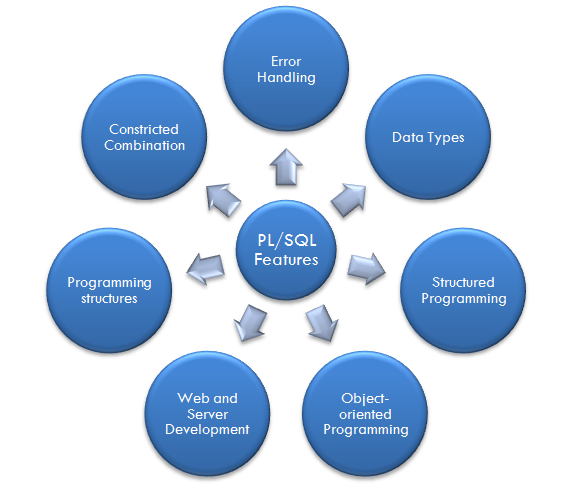
While Squid Games is fictional, SQL is everywhere.
Companies use SQL to manage:
- 🛒 Online shopping orders
- 🏦 Banking transactions
- 🏥 Hospital records
- 🎬 Streaming platforms
- 📚 School databases
- ✈ Airline bookings
- 📱 Mobile apps
Whenever you search for information online, chances are SQL is working behind the scenes.
Why Learning SQL This Way Helps
I’ve noticed that memorizing commands rarely works.
But when I connect SQL commands to a story or a familiar TV show, they stick in my mind much longer.
For example:
- SELECT = Find players
- WHERE = Filter players
- ORDER BY = Rank players
- COUNT = Count survivors
- GROUP BY = Group contestants
- JOIN = Connect game information
Instead of remembering syntax alone, I remember the scenario.
Common SQL Mistakes Beginners Make 😅
When I first started learning SQL, I made plenty of mistakes. Here are a few to watch out for:
- Forgetting the WHERE clause in an
UPDATEorDELETEstatement. - Misspelling table or column names.
- Mixing up single quotes (
') and double quotes ("). - Forgetting semicolons in some SQL environments.
- Using
SELECT *when only a few columns are needed.
Don’t let these mistakes discourage you. They’re part of the learning process.
Tips to Learn SQL Faster 🚀
Here’s what worked for me:
- Practice at least 20 minutes every day.
- Write SQL queries instead of just reading them.
- Build small databases for fun topics like movies, books, or games.
- Solve beginner SQL challenges online.
- Understand why a query works instead of memorizing it.
- Revisit old queries and improve them.
Consistency beats cramming every time.
Frequently Asked Questions (FAQs)
Is SQL difficult for beginners?
Not at all. SQL is considered one of the easiest programming languages to learn because it uses simple, English-like commands.
Can I learn SQL without knowing programming?
Yes. You don’t need prior programming experience. Many beginners start their tech journey with SQL.
How long does it take to learn SQL?
If you practice consistently, you can learn the basics in a few weeks and become comfortable with advanced concepts over the next couple of months.
Why is SQL important?
SQL is widely used in software development, data analysis, business intelligence, finance, healthcare, and many other industries to manage and analyze data.
Final Thoughts ❤️
I never thought a popular TV show could help me understand databases, but imagining Squid Games as a database made SQL feel much less intimidating. Every player became a row, every game became a table, and every challenge turned into a query I could write.
If you’re just starting your journey, don’t worry about mastering everything at once. Begin with simple commands like SELECT, WHERE, and ORDER BY. Practice them regularly, experiment with your own sample data, and don’t be afraid to make mistakes—they’re often the best teachers.
I hope this guide on How to Learn SQL Using Squid Games? gave you a fresh and enjoyable way to understand SQL. Keep practicing, stay curious, and before long, writing SQL queries will feel as natural as searching for a movie online.
Happy learning! 🎉
Kaashiv Infotech Offers, SQL Course, SQL Internship & More Visit Our website www.kaashivinfotech.com.
Related Reads:
- What are Data Models in DBMS? 5 Powerful Types Explained with Real Examples
- What is ER Model in DBMS: Easy Definition, Diagram, Types, and Example
- SQL Joins (Inner Join, Left and Right Join,Full Outer Join,Cross Join,Self Join)
- SQL Temp Table – How to Create a Temporary SQL Table (Step-by-Step with Examples)