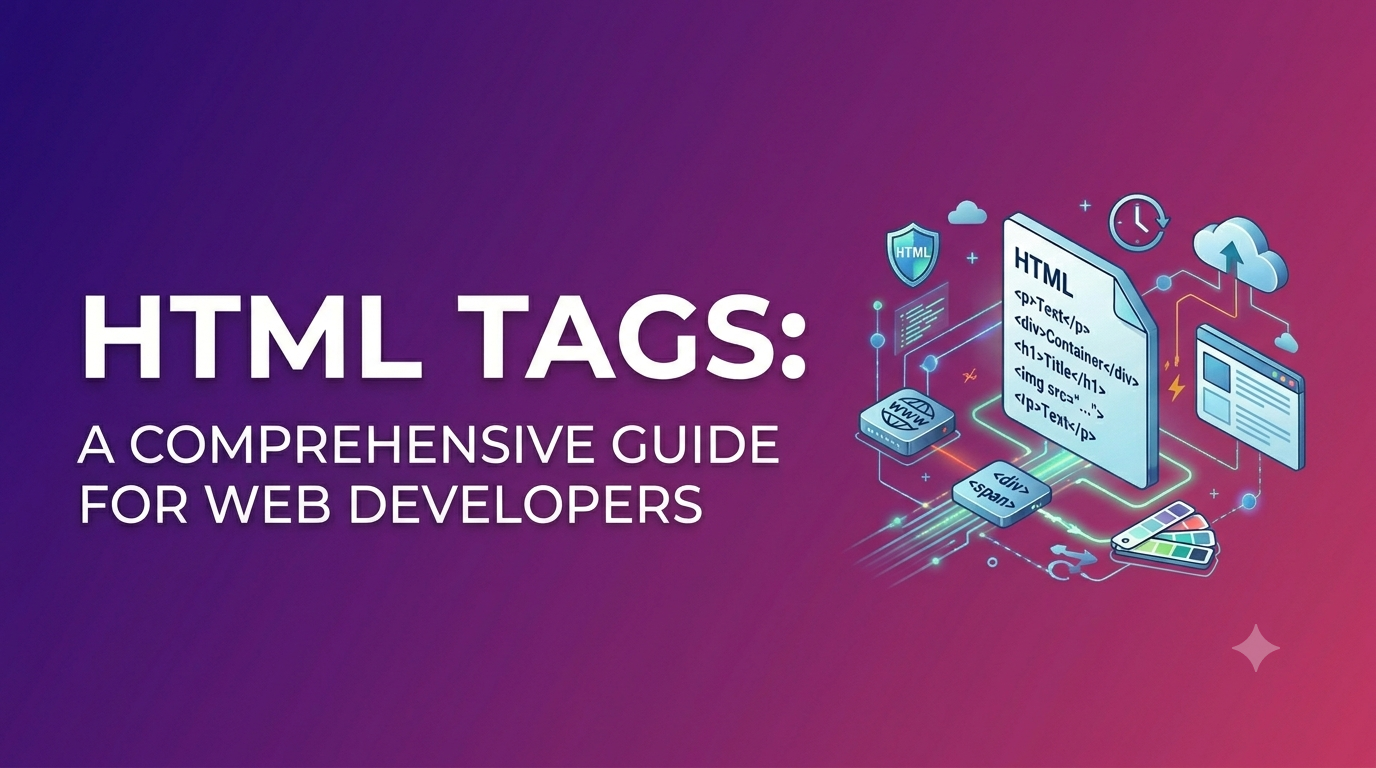
HTML is the foundation of the web. Whether you’re building a personal portfolio, a business website, or a full-scale web app, you’ll always come back to one core concept: HTML tags. They’re the “labels” that tell the browser what each part of your content means and how it should be displayed.
we’ll walk through HTML Tags: A Comprehensive Guide for Web Developers in a simple, practical way. You’ll learn what tags are, how they work, which ones matter most, and how to use semantic tags for cleaner code and better SEO.
HTML Tags: A Comprehensive Guide for Web Developers
What Are HTML Tags?
HTML stands for HyperText Markup Language. It uses tags to mark up content like headings, paragraphs, images, links, forms, and more.
Most HTML tags come in pairs:
- An opening tag like
<p> - A closing tag like
</p>
Everything in between is the content.

Example:
HTML<p>This is a paragraph.</p>
HTML Tag vs HTML Element (Quick Clarity)
People often mix up “tag” and “element,” so here’s the easy way to remember it:
- Tag = the markup itself, like
<p>or</p> - Element = the full structure (opening tag + content + closing tag)
So <p>Hello</p> is a paragraph element, made using the <p> tag.

Basic Structure of an HTML Page
Before diving into specific tags, it helps to see the standard skeleton of an HTML document.
HTML<!DOCTYPE html>
<html lang="en">
<head>
  <meta charset="UTF-8" />
  <meta name="viewport" content="width=device-width, initial-scale=1.0" />
  <title>My Web Page</title>
</head>
<body>
  <h1>Welcome!</h1>
  <p>This is my website.</p>
</body>
</html>
Key Tags in the Page Structure
<!DOCTYPE html>: tells the browser you’re using HTML5<html>: wraps the whole page<head>: contains metadata (not visible content)<title>: title shown in the browser tab<body>: contains visible content
Commonly Used HTML Tags (Must-Know List)
If you’re a web developer, these tags will show up constantly in your projects.
Headings: <h1> to <h6>
Headings create structure and help both users and search engines understand your content.
HTML<h1>Main Title</h1>
<h2>Section Title</h2>
<h3>Subsection</h3>
Tip: Use <h1> only once per page in most cases, and keep headings in order (don’t jump from <h2> to <h4> randomly).
Paragraph: <p>
HTML<p>This is a simple paragraph.</p>
Links: <a>
HTML<a href="https://wikitechy.com">Visit Wikitechy</a>
Useful link attributes
href: destination URLtarget="_blank": opens in a new tab (use carefully)rel="noopener noreferrer": recommended for security when using_blank
Example:
HTML<a href="https://wikitechy.com" target="_blank" rel="noopener noreferrer">
  Open Wikitechy
</a>
Images: <img>
<img> is a self-closing tag (void element), meaning it doesn’t need a closing tag.
HTML<img src="image.jpg" alt="A descriptive text" />
Always use alt for accessibility and SEO.

Line break and horizontal line: <br> and <hr>
<br>adds a line break<hr>inserts a horizontal divider
Text Formatting Tags (Use with Care)
HTML gives you a few ways to format text. Some are semantic (meaning-based), and those are usually better.

Bold and emphasis: <strong> and <em>
<strong>indicates importance (often bold)<em>indicates emphasis (often italic)
HTML<p><strong>Important:</strong> Use semantic tags for meaning.</p>
<p>This is <em>emphasized</em> text.</p>
Generic styling tags: <b> and <i>
These only style text visually. In modern HTML, prefer <strong> and <em> unless you have a specific reason.
Lists: Ordered, Unordered, and Description Lists
Lists are perfect for menus, features, steps, and product highlights.
Unordered list: <ul>
HTML<ul>
  <li>HTML</li>
  <li>CSS</li>
  <li>JavaScript</li>
</ul>
Ordered list: <ol>
HTML<ol>
  <li>Plan</li>
  <li>Design</li>
  <li>Develop</li>
</ol>
Description list: <dl>
HTML<dl>
  <dt>HTML</dt>
  <dd>Structure of web pages</dd>
</dl>
Semantic HTML Tags (Better Structure + Better SEO)
Semantic tags clearly describe what a section of content is. This helps:
- Search engines understand your content
- Screen readers improve accessibility
- Developers maintain code easily
Most important semantic tags
<header>, <nav>, <main>, <footer>
Example structure:
HTML<header>
  <h1>My Blog</h1>
</header>

<nav>
  <a href="/">Home</a>
  <a href="/about">About</a>
</nav>

<main>
  <article>
    <h2>My Post</h2>
    <p>Post content...</p>
  </article>
</main>

<footer>
  <p>© 2026 My Blog</p>
</footer>
<article> and <section>
- Use
<article>for self-contained content (blog post, news item) - Use
<section>for grouped thematic content
<aside>
Great for sidebars, related links, ads, or author bios.
Forms and Input Tags (For Real Interaction)
Forms are where HTML becomes truly interactive.
Basic form example
HTML<form action="/subscribe" method="post">
  <label for="email">Email:</label>
  <input type="email" id="email" name="email" required />

  <button type="submit">Subscribe</button>
</form>
Common form-related tags
<form>: wraps the form<label>: improves usability and accessibility<input>: collects data (text, email, password, etc.)<textarea>: multi-line text<select>and<option>: dropdowns<button>: clickable action
Pro tip: Always connect <label> to inputs using for and id.
HTML Attributes You’ll Use All the Time
Attributes add extra information to tags.
Here are the big ones developers constantly use:
id: unique identifier (use once per page)class: reusable grouping for CSS/JSstyle: inline styles (avoid for large projects)title: tooltip textdata-*: custom data for JavaScript (super useful)
Example:
HTML<div id="hero" class="banner" data-theme="dark">
  Welcome
</div>
Void (Self-Closing) Tags You Should Know
Some tags never wrap content and don’t have closing tags.
Common void tags include:
<img><br><hr><input><meta><link>
Best Practices for Writing Clean HTML
Clean HTML is easier to style, easier to debug, and more friendly for SEO.
Simple best practices checklist
- Use semantic tags instead of random
<div>blocks - Keep headings in a logical order (
h1→h2→h3) - Always add
alttext to images - Use meaningful class names (
.product-cardinstead of.box1) - Indent nested tags consistently (readability matters)
- Validate your HTML (W3C validator helps)
Common mistakes to avoid
- Forgetting to close tags like
</p>or</div> - Nesting tags incorrectly (like putting
<div>inside<p>) - Using multiple
<h1>tags without purpose - Overusing
<br>for spacing (use CSS instead)
HTML Tags and SEO: What Web Developers Should Know
HTML isn’t just about layout—it affects SEO directly. Search engines read your HTML structure to understand what your page is about.
Tags that strongly influence SEO
<title>: page title shown in search results<meta name="description">: snippet description (not a ranking factor, but boosts clicks)- Headings
<h1>,<h2>…: content hierarchy <a>links: internal linking and crawlability- Semantic tags: content clarity
- Image
alt: image SEO + accessibility
Quick SEO-friendly HTML tips
- Put your main keyword naturally in
<title>and<h1> - Use
<h2>headings for main sections - Add descriptive anchor text (avoid “click here”)
- Keep your markup simple and readable
FAQ: HTML Tags for Web Developers
1) What are HTML tags and why are they important?
HTML tags define the structure of a web page. They tell the browser what each piece of content is, like headings, paragraphs, images, and forms.
2) What is the difference between HTML tags and elements?
A tag is the markup like <p>, while an element includes the tag plus its content, like <p>Hello</p>.
3) What are semantic HTML tags and how do they help SEO?
Semantic tags like <header>, <main>, and <article> describe meaning and structure, helping search engines and assistive tools understand your page better.
4) Which HTML tags are most commonly used in web development?
Common tags include <div>, <p>, <a>, <img>, <h1>–<h6>, <ul>, <li>, <form>, and semantic tags like <section> and <footer>.
5) How do I write valid HTML and avoid common tag mistakes?
Follow proper nesting rules, close tags correctly, use semantic markup, and test with an HTML validator to catch errors early.
Become A HTML With Kaashiv Infotech
Looking to dive into the world of HTML, Front End development and carve your path to success? Kaashiv Infotech is here for you! Our Inplant Training (IPT) and specialized Front End Development Certification Course is specially designed by experts to equip you with practical skills and real-world experience that will help you to set your foot in the competitive web development industry.
Let’s break down our course offerings to see what makes our course stand out
Live Industry Projects + Portfolio: You’ll work on 2 real-time projects to build a solid portfolio and enhance your learning with live industry projects that showcase your skills.
Practice Exercises: Get hands-on practice with daily practice exercises that enhance your learning and help you master key concepts of HTML5, CSS3, JavaScript, and Bootstrap.
Doubt Clearing Sessions: Our regular doubt sessions ensure that no question goes unanswered, giving you clarity of all the concepts.
Kaashiv Lab for Coding: Access our exclusive lab for coding practice and polish your coding skills in a supportive environment.
Industry-Oriented Curriculum: Learn industry-relevant skills and techniques that are directly applicable to real-world scenarios.
Triple Certification: Earn Kaashiv’s Triple Certification – Internship Certificate, IPT Certificate, and Industrial Exposure Certificate – upon completion that is recognized and valued by employers in the industry.
Q&A Forum: Engage with fellow batchmates and instructors in our Q&A forum to exchange ideas, seek advice, and collaborate on projects.
Instructor-Led Sessions: Benefit from interactive sessions led by Microsoft MVPs and Google-recognized experts who guide you every step of the way.
Interview Opportunities: Gain access to interview opportunities and career guidance to help you land your dream job in front-end development with our exclusive interview question banks and ATS-friendly resume tools.
100% Job Assistance + Ongoing Career Support: We’re offering 100% job assistance along with ongoing support from our expert mentors.
So what are you waiting for? launch your career with confidence! Join the Kaashiv Infotech HTML/Front End Developer Course and unlock your potential today.
Conclusion
HTML doesn’t have to feel overwhelming. Once you understand that tags are simply the building blocks of web pages, everything becomes easier—from writing clean layouts to improving accessibility and SEO.
This HTML Tags: A Comprehensive Guide for Web Developers is meant to be your friendly reference point: start with the basics, lean into semantic HTML, and build habits that keep your code readable and future-proof. If you’re publishing tutorials or building projects on wikitechy.com, clean HTML is one of the best skills you can master early—it pays off in every single web project.