

Best Free AI Tools for Programmers 2026 aren’t just shiny tech upgrades. They’re becoming career accelerators.
Here’s a hard truth.
- The average developer spends 20–30% of their time debugging (Cambridge Judge Business School study).
- Developers switch between apps 1,200+ times per day (RescueTime data).
- GitHub reports that developers using AI assistants complete tasks up to 55% faster.
Now think about this.
If someone builds 40% faster than you… and applies for the same internship or job… who gets shortlisted?
Exactly.
This isn’t about replacing developers. It’s about amplifying the ones who know how to use AI well.
Let’s break down the best free AI tools for developers, what makes them powerful, real-world use cases, and how they can directly improve your career trajectory.
🔥 1. Blackbox AI – Smart Code Search & Snippet Extraction


Why It Matters
Developers waste hours searching for implementation examples.
Blackbox reduces that friction.
Instead of:
- Watching a 15-minute tutorial
- Pausing every 20 seconds
- Typing manually
You extract the code instantly.
Real-World Use Case
A final-year engineering student building a MERN stack project needed JWT authentication logic. Instead of digging through docs, Blackbox surfaced working snippets in seconds.
Project delivered 2 days early.
Best Practices (And Why)
- Use it for boilerplate code, not architecture decisions.
- Always review extracted code for security issues.
- Cross-check authentication logic.
Why? Because speed without understanding creates technical debt.
Career Angle 🎯
Recruiters now test:
- Speed of implementation
- Code quality under pressure
- Problem-solving ability
Tools like Blackbox improve all three.
🔥 2. Cursor – Context-Aware AI Code Editor
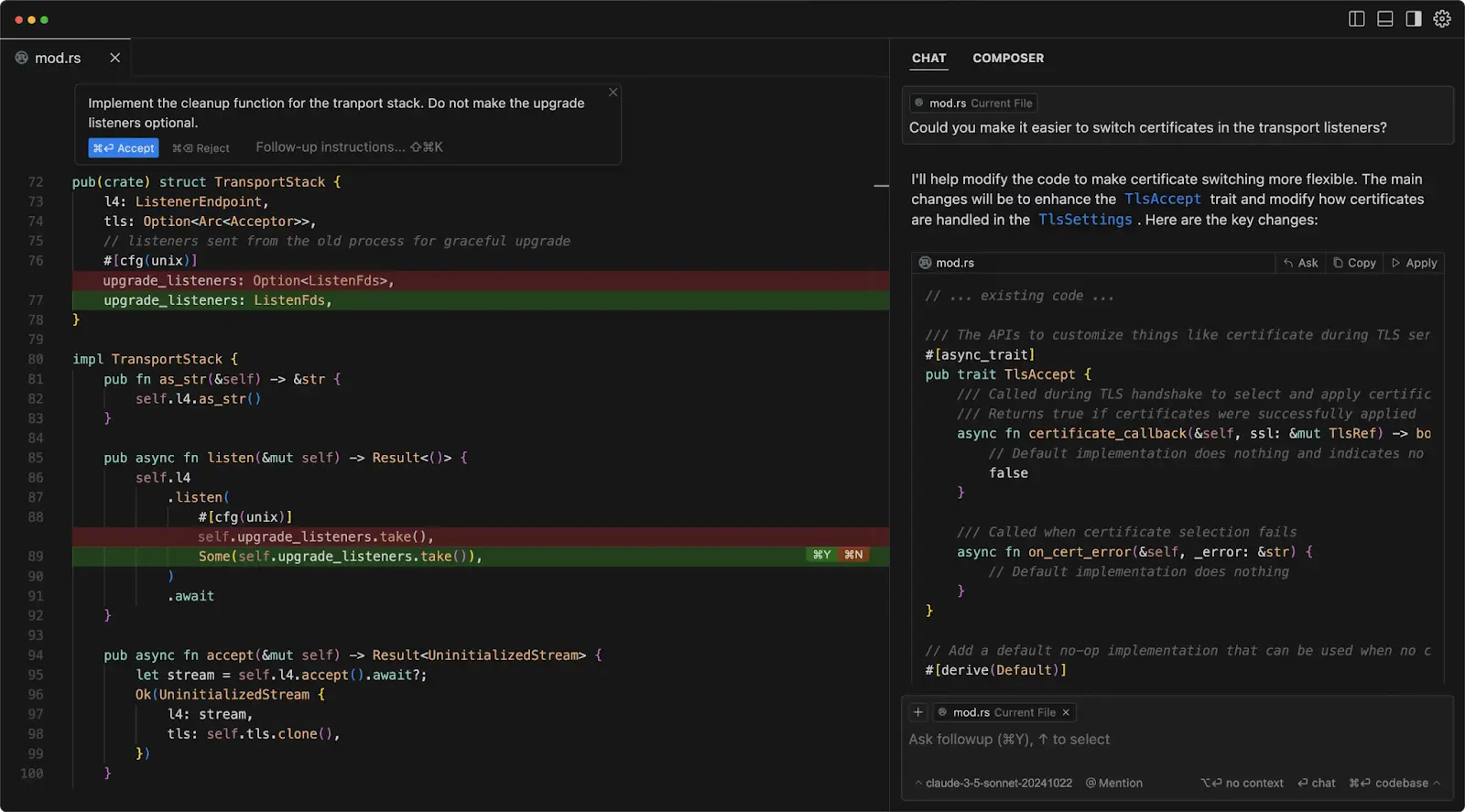
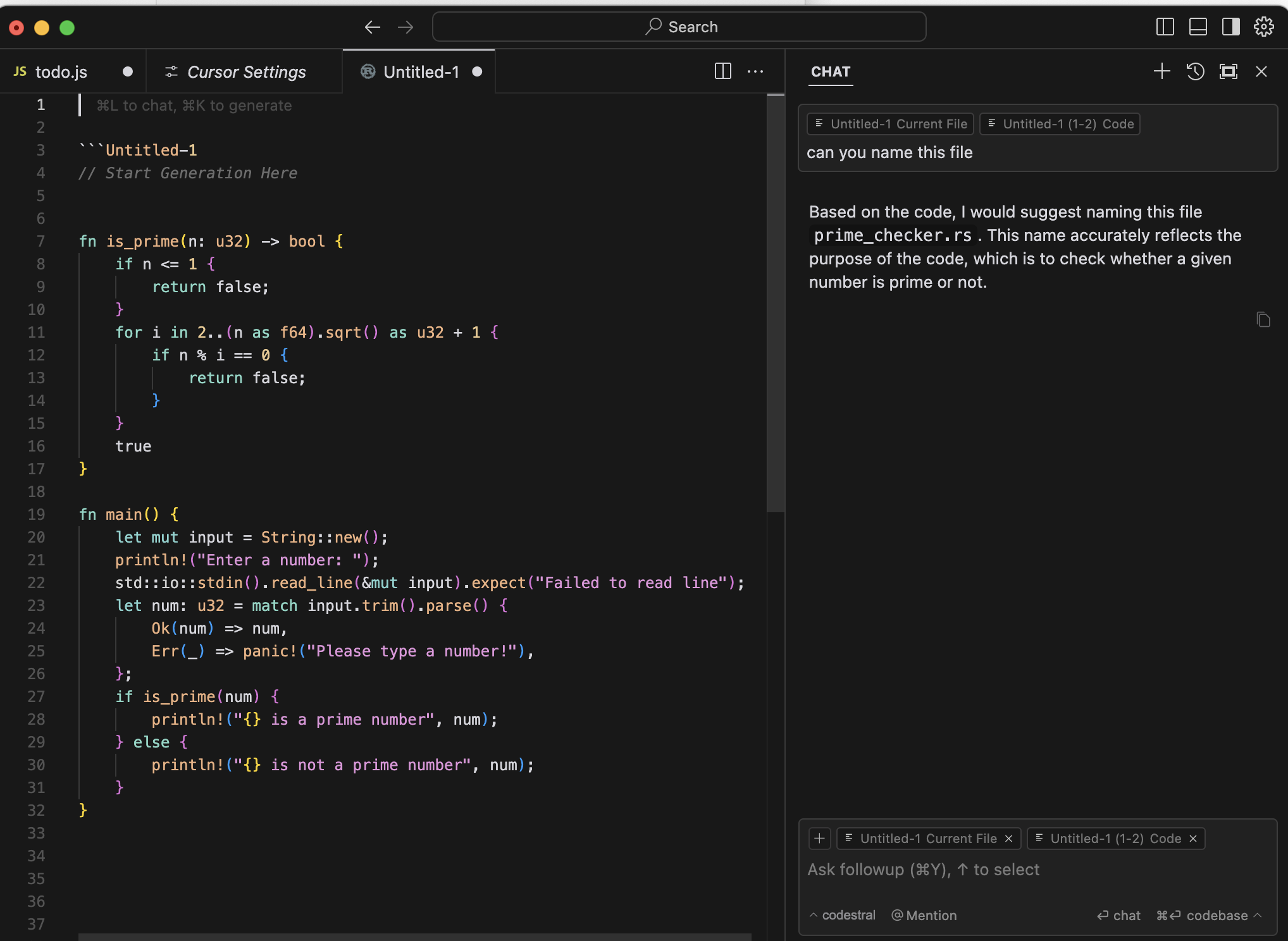
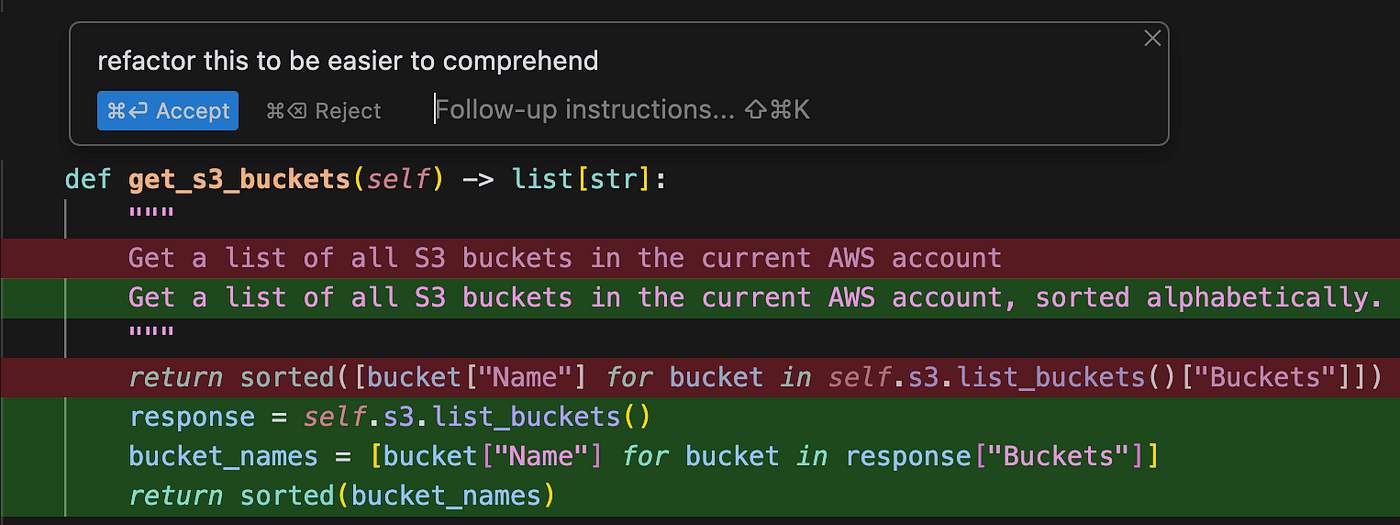
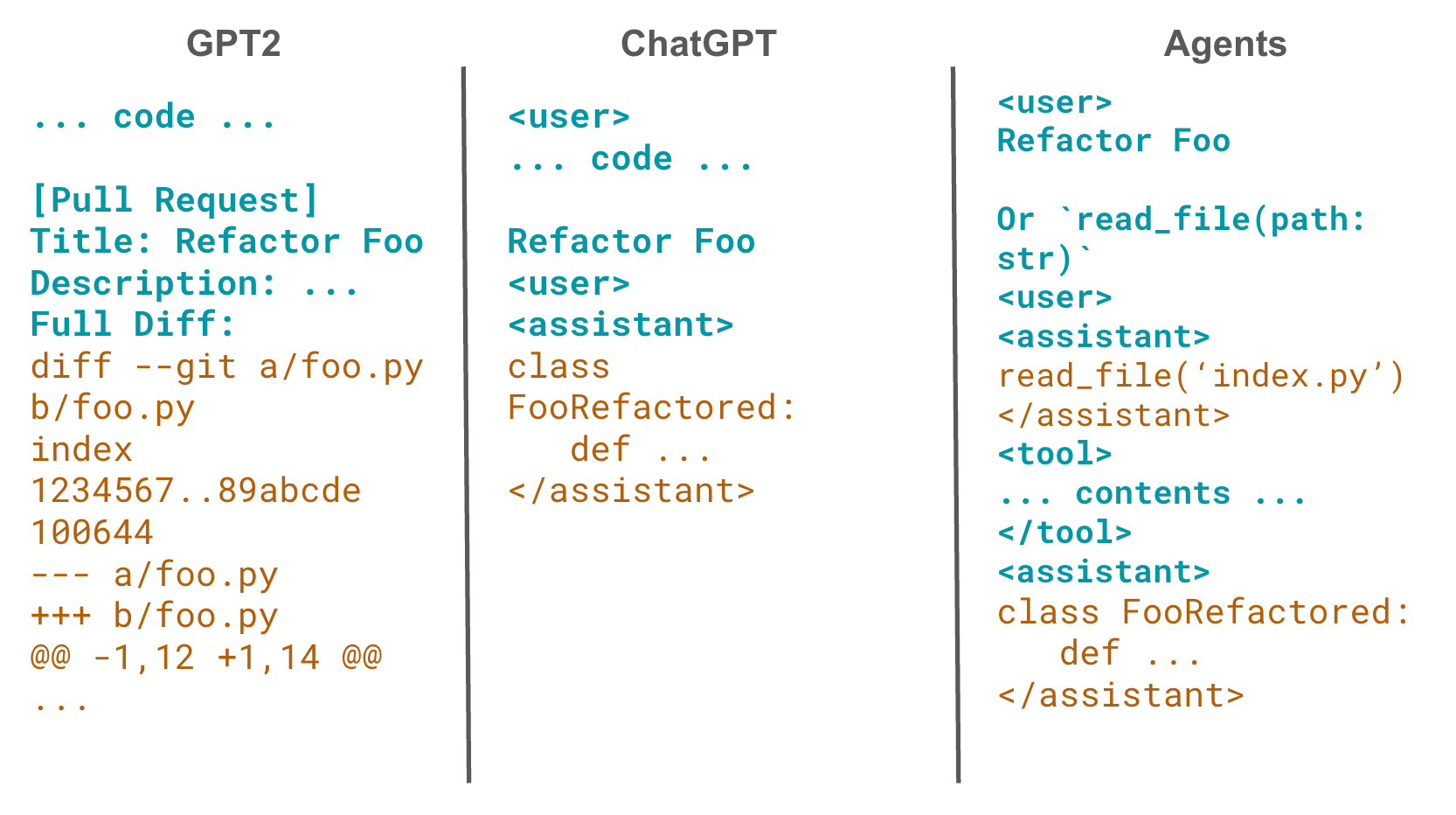
This is not just autocomplete.
Cursor understands your entire codebase.
You can literally ask:
“Why is this API returning 500 error?”
And it analyzes context.
Data Insight
GitHub’s research shows developers using AI tools report:
- 88% improved productivity
- 60% less time spent on repetitive coding
Cursor shines in debugging.
Real-World Example
A startup intern working on a React dashboard struggled with re-render issues.
Cursor suggested:
- Memoization
- Dependency array correction
- State cleanup optimization
Bug fixed in 10 minutes instead of 2 hours.
Best Practices
- Use AI to explain legacy code.
- Refactor with AI — but manually review performance-heavy sections.
- Don’t blindly accept every suggestion.
🔥 3. Phind – AI Search Engine for Developers

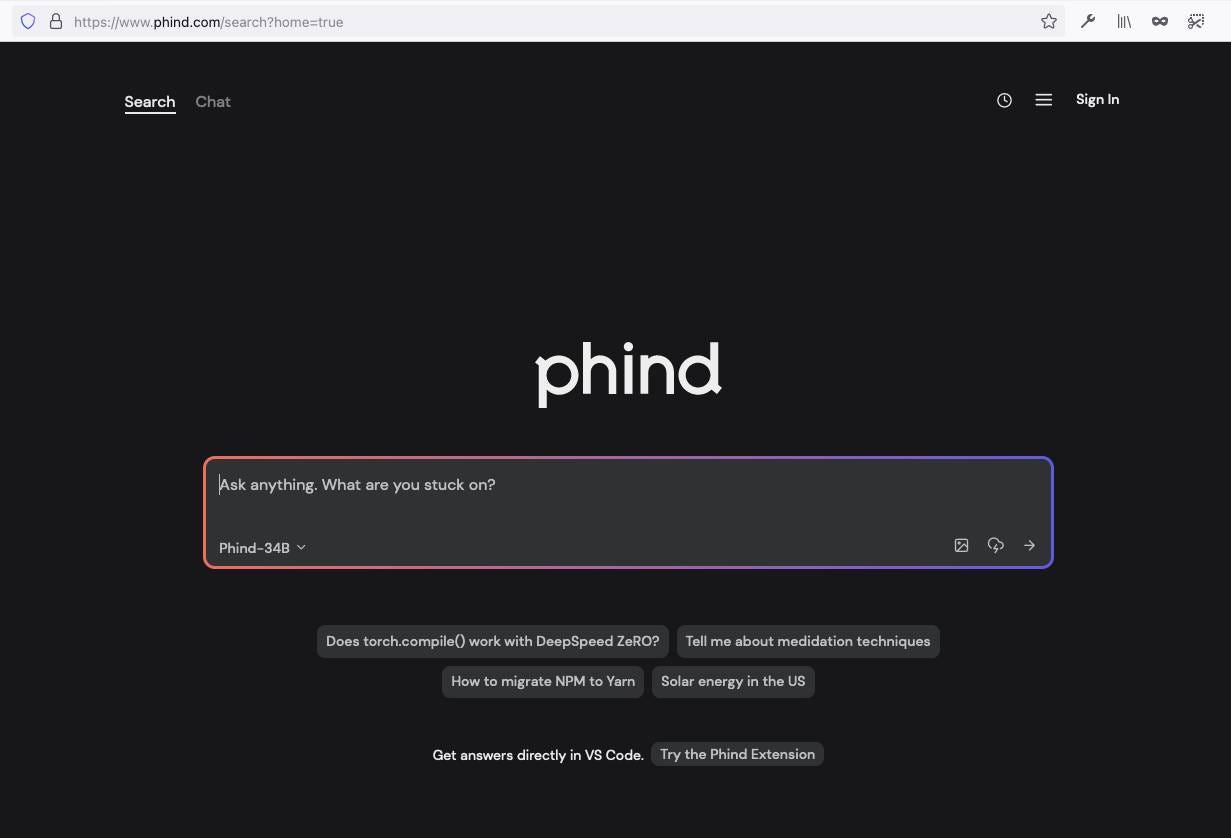
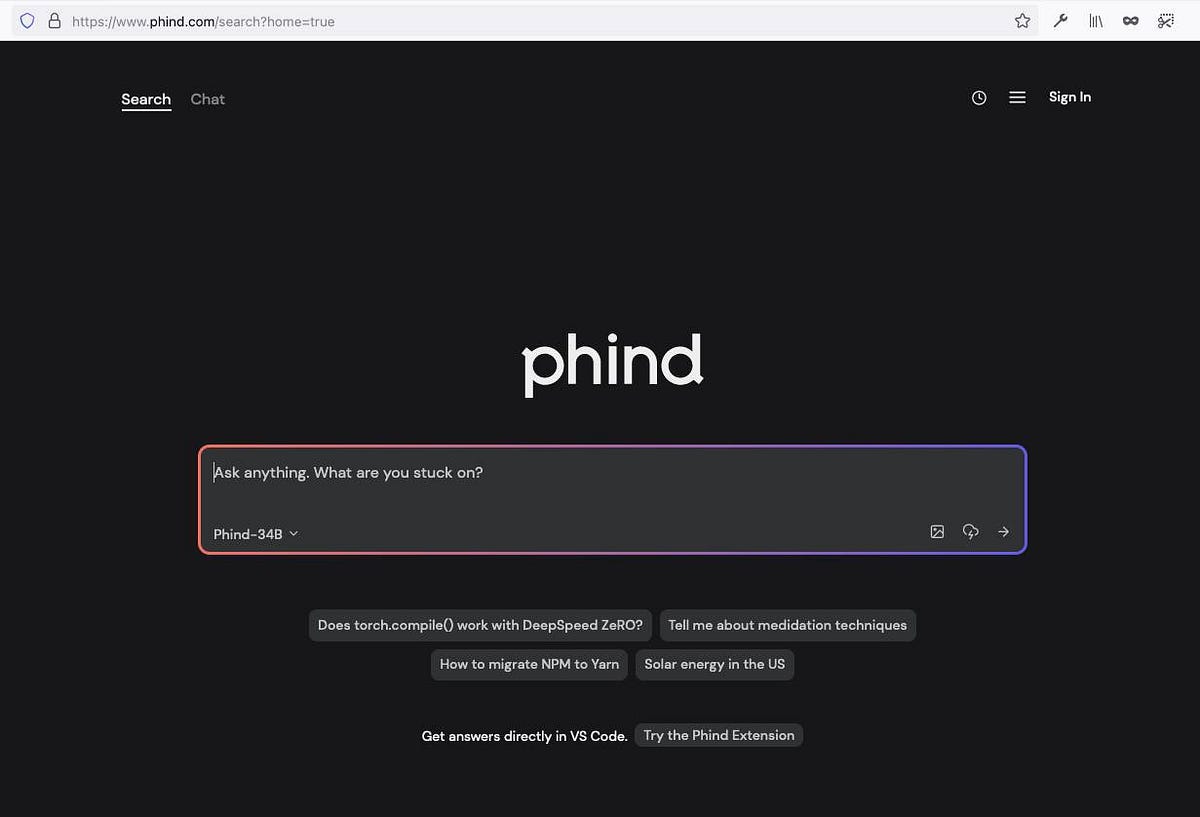
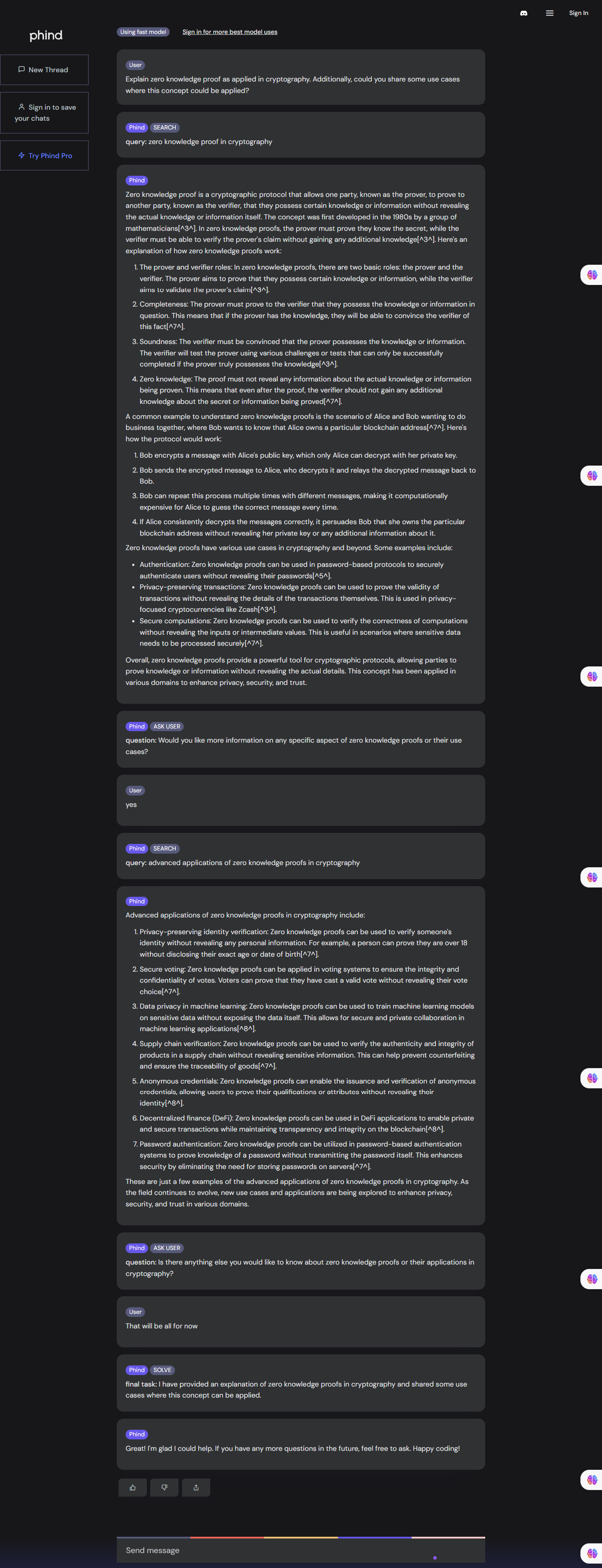
Traditional search is noisy.
Phind gives:
- Direct answer
- Code snippet
- Explanation
- References
Why It’s Powerful
Stack Overflow traffic has declined significantly after AI search engines gained popularity (Stack Overflow survey reports declining engagement trends post-2023 AI boom).
Developers now prefer:
- Context-rich answers
- Less tab switching
- Cleaner summaries
Real-World Use Case
Backend developer stuck on a PostgreSQL indexing issue.
Phind explained:
- B-tree vs Hash indexing
- When to use composite index
- Performance trade-offs
That clarity saved production downtime.
🔥 4. Codeium – Free Alternative to Copilot
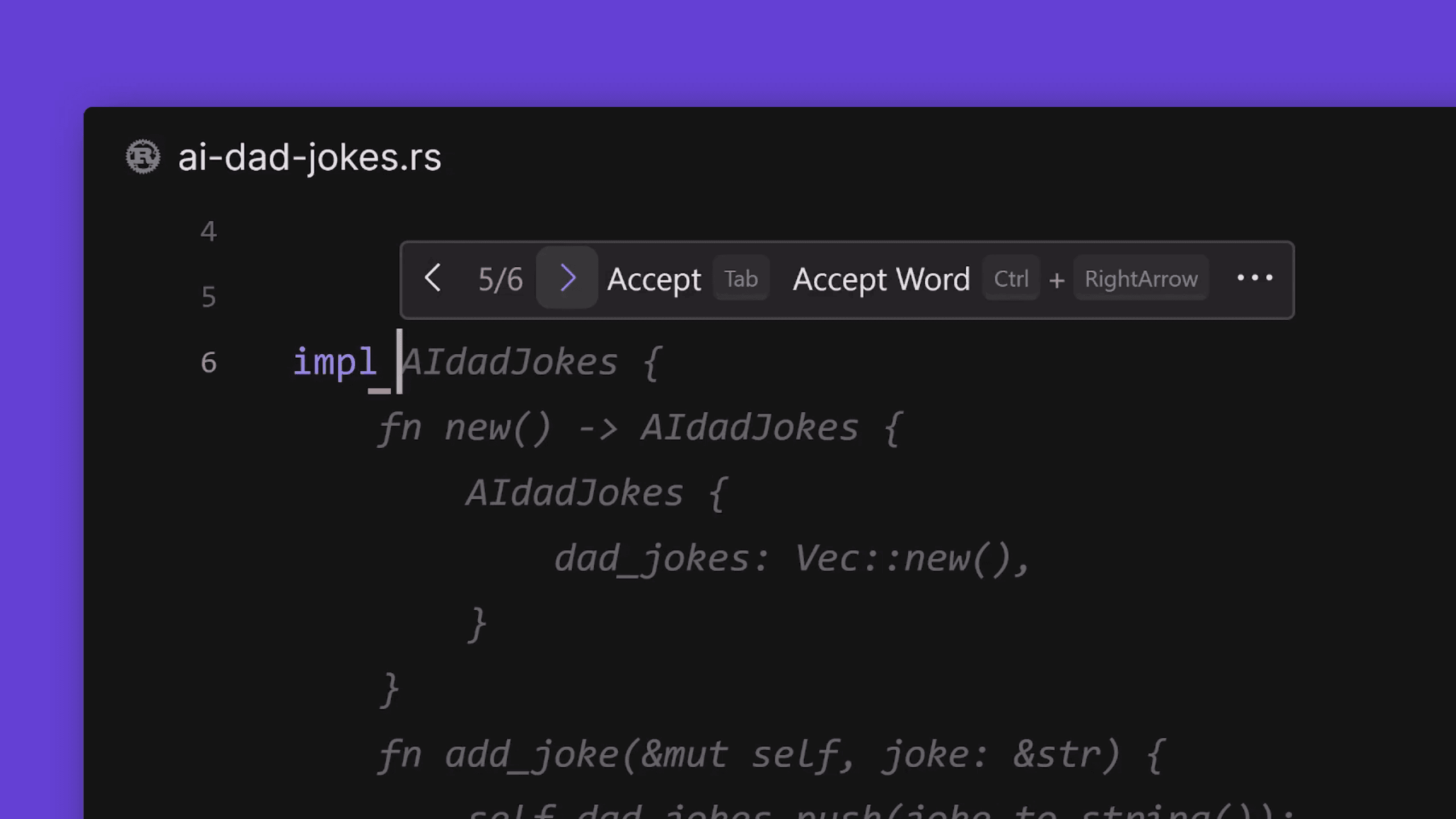
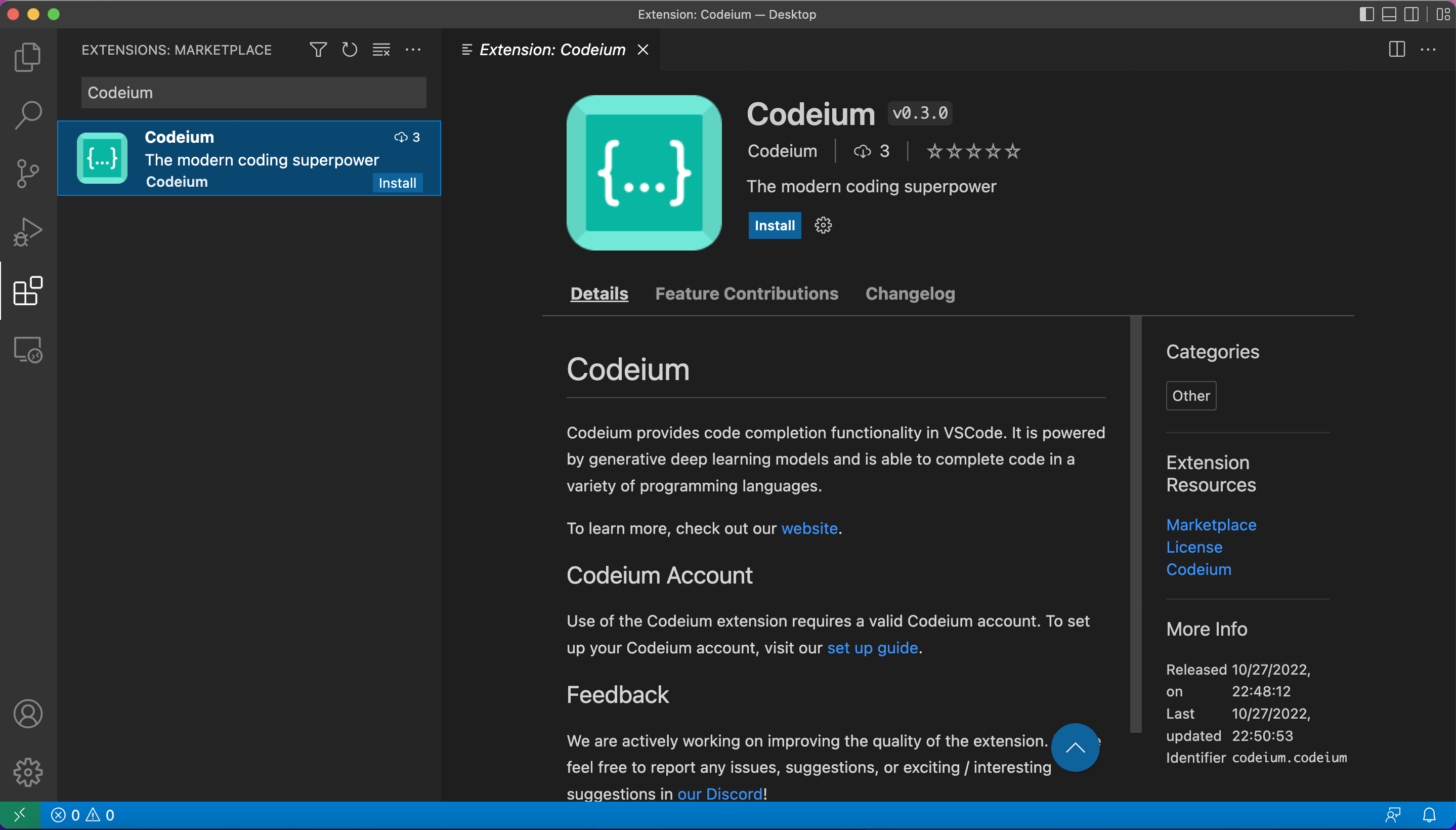
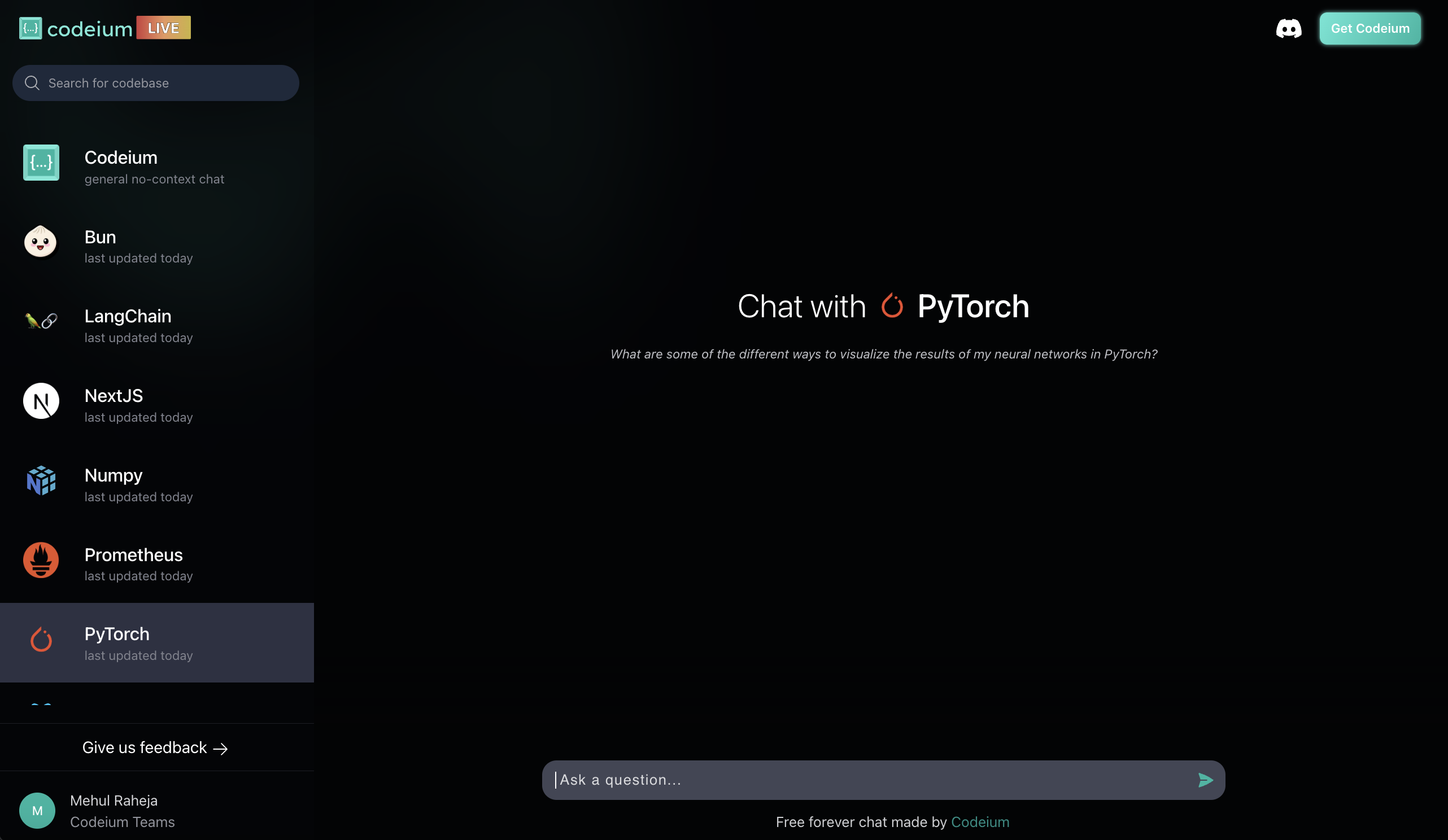
When people search Codeium vs Copilot, here’s the truth:
- Codeium offers strong free features.
- It supports 70+ languages.
- It integrates with VS Code, JetBrains, Neovim.
For students and freelancers, this is huge.
Data Hook
India produces 1.5 million engineering graduates annually (AISHE data). Competition is brutal.
If one student:
- Uses AI efficiently
- Builds faster
- Ships cleaner projects
That resume stands out.
Best Practice
- Use Codeium for repetitive functions.
- Avoid using it for security-critical logic.
- Combine with manual code review.
🔥 5. CodeRabbit – Automated AI Code Review
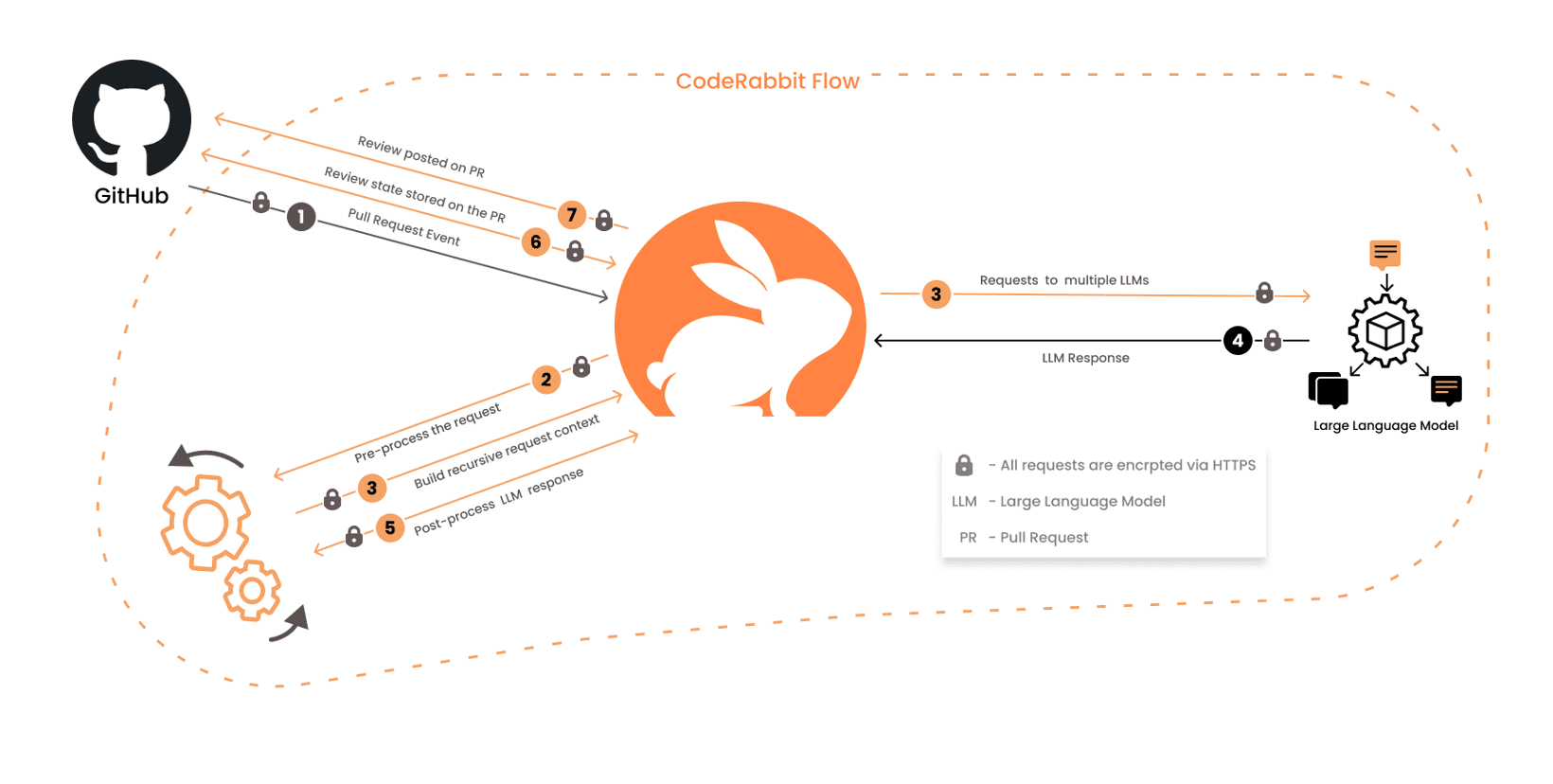

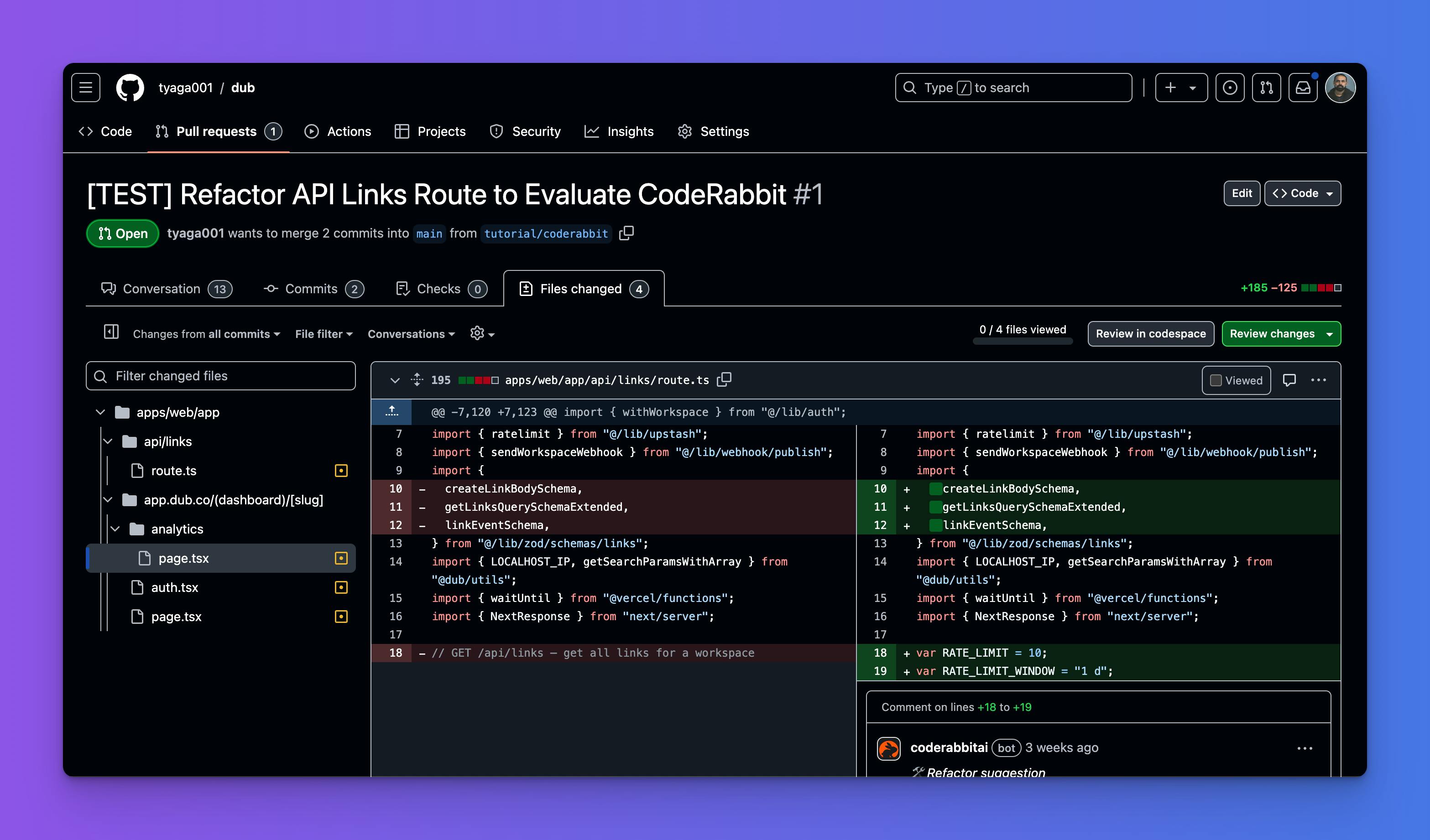
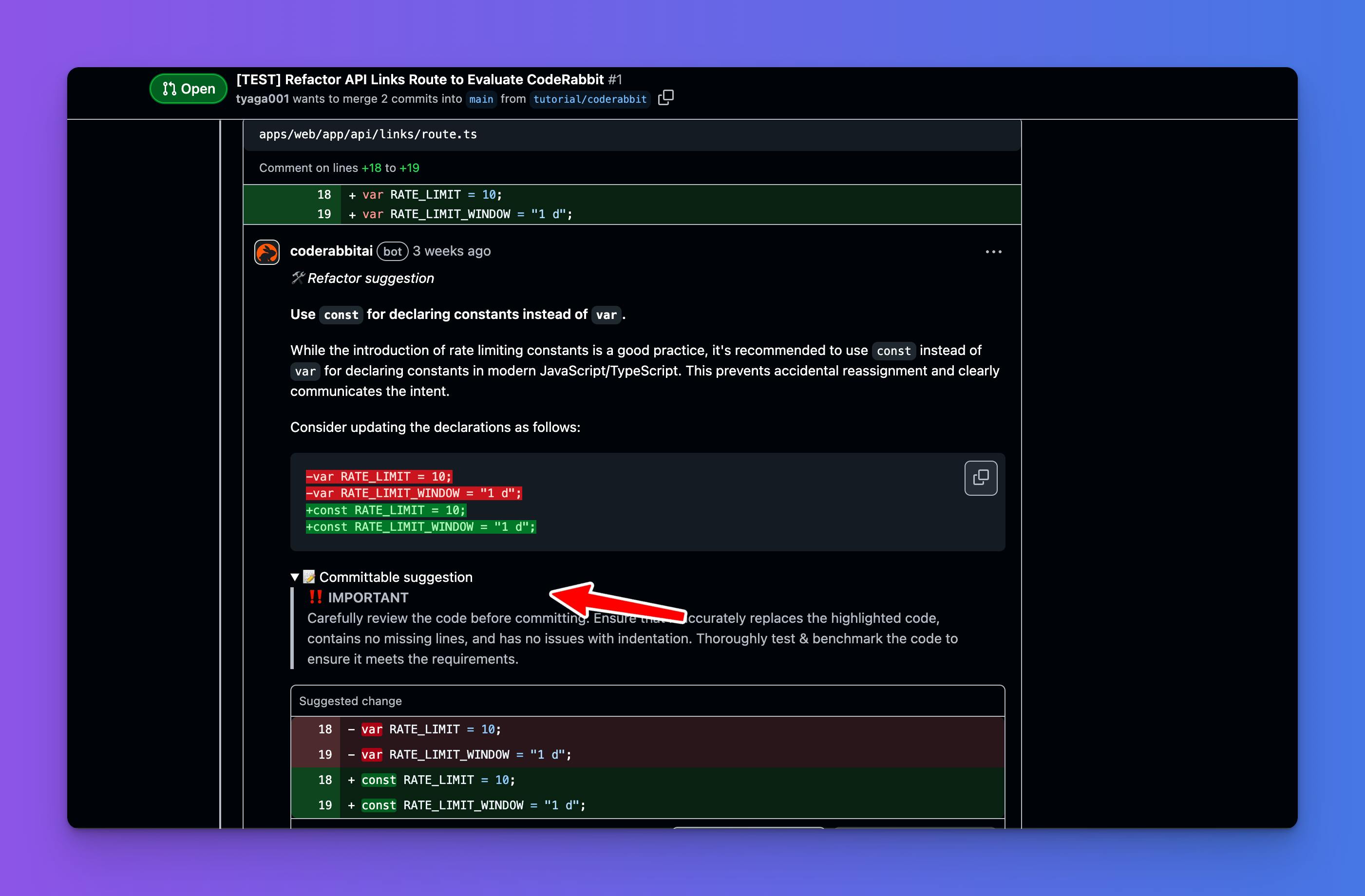
Manual PR reviews slow teams down.
CodeRabbit:
- Flags bugs
- Suggests improvements
- Checks style consistency
Why It Matters
Poor code quality costs companies billions annually (CISQ estimates poor software quality cost the US economy $2.41 trillion in 2022).
Companies value developers who:
- Write clean code
- Follow standards
- Think about maintainability
Using automated review tools trains that mindset.
📊 AI Coding Assistants 2026 – The Career Impact
Let’s zoom out.
According to the Stack Overflow Developer Survey:
- Over 70% of developers are already using or planning to use AI tools
- Junior developers report faster learning curves with AI assistance
So what happens if someone ignores AI?
They fall behind.
Not because they’re less skilled.
But because they’re less optimized.
💡 Developer Productivity Tools – Best Practices Summary
Use AI to:
✅ Speed up boilerplate
✅ Learn new frameworks
✅ Debug faster
✅ Improve PR quality
✅ Practice clean coding
Avoid using AI to:
❌ Copy blindly
❌ Skip understanding fundamentals
❌ Ignore security validation
AI should augment skill, not replace thinking.
🎯 Career Angle – Students & Freshers
If you’re in college right now, ask yourself:
- Are you building projects fast enough?
- Are you optimizing learning?
- Are you ready for real-world coding interviews?
Companies now expect:
- Practical exposure
- GitHub contributions
- Deployment knowledge
That’s where structured training matters.
🚀 Upgrade Your Skills with Kaashiv Infotech
Want to master:
- Full Stack Development
- AI & Data Science
- Software Testing
- Real-time internships with live projects
Kaashiv Infotech offers:
✅ Industry-focused courses
✅ Internship certification
✅ Real-time project exposure
✅ Placement assistance
Don’t just learn theory.
Build. Deploy. Optimize.
👉 Explore Kaashiv Infotech’s Artificial Intelligence Course in Chennai and Artificial Intelligence Internship In Chennai to accelerate your developer career.
🧠 Final Thoughts
The Best Free AI Tools for Programmers 2026 are not shortcuts.
They’re leverage.
Developers who combine:
- Strong fundamentals
- AI productivity tools
- Real-world projects
Will dominate hiring rounds.
AI won’t replace you.
But a developer who knows how to use AI effectively might.
Choose wisely. 🚀


