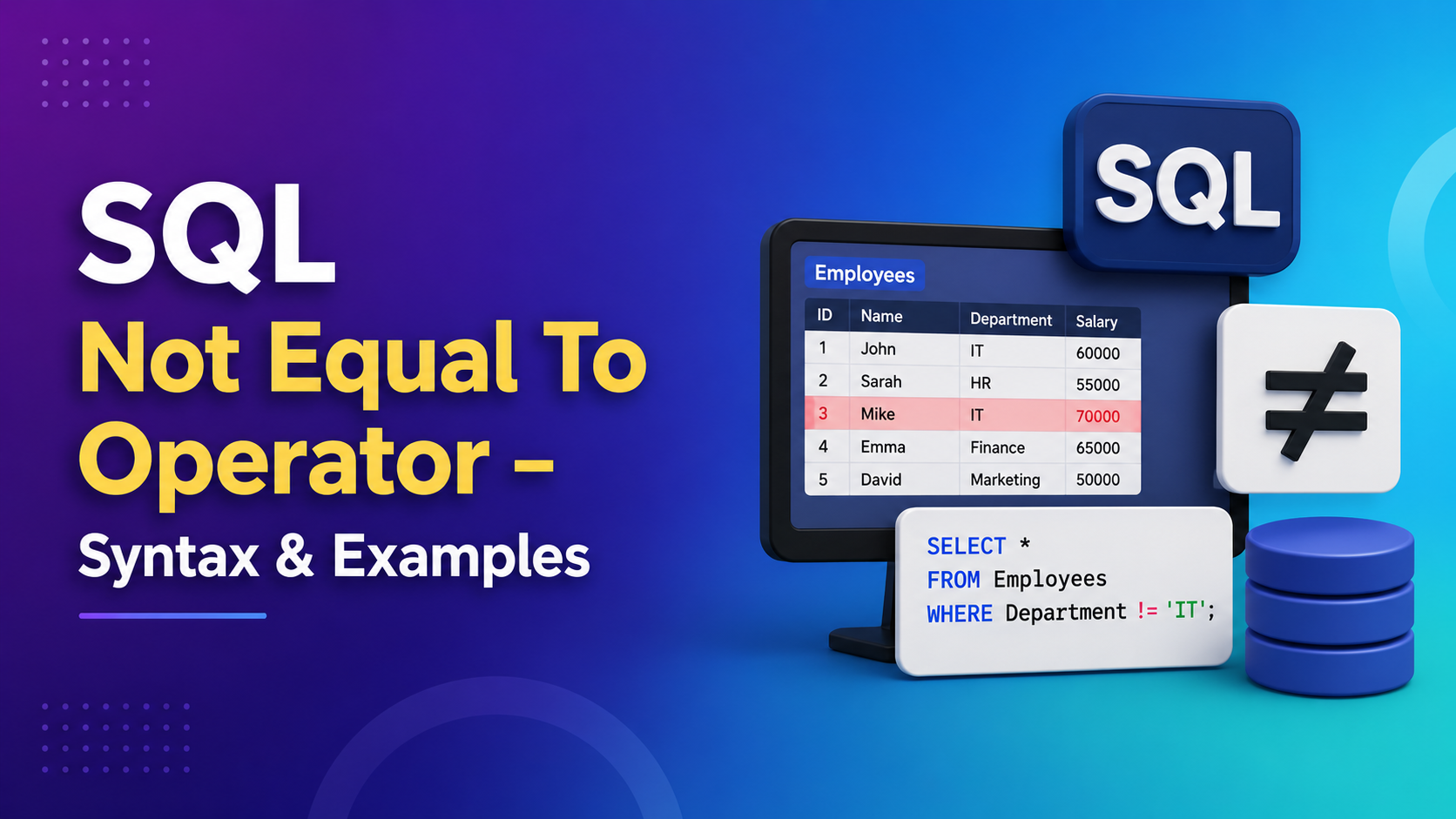
If you’re knee-deep in databases and SQL queries (or even just dabbling in them), you’ve probably heard the term WHERE SQL statement thrown around. But let’s be honest: the WHERE clause is a beast of its own, capable of making or breaking your queries. It’s one of the most essential tools in your SQL toolbox, but a lot of people—especially beginners—don’t fully understand just how powerful it is. I get it, though. It can feel a bit like navigating a maze at first. So, if you’re looking to learn how to master this powerful SQL feature, you’re in the right place.
In this post, I’m going to walk you through 7 real-world SQL WHERE clause examples that can help you write more efficient and effective queries. By the end, you’ll not only understand the WHERE SQL statement, but also how to wield it like a pro.
Key Highlights:
-
What is the WHERE SQL statement?
-
How to filter data effectively using WHERE clauses
-
Practical examples for everyday database queries
-
Advanced tips and tricks for optimizing your queries

What is the WHERE SQL Statement?
Before we dive into examples, let’s quickly break down what a WHERE SQL statement is. It’s essentially the filtering mechanism of your SQL queries. You use it to specify conditions that must be met in order for a record to be included in your results.
Imagine you’ve got a massive database of customer data, and you only want to pull up records for customers in a certain city or those who made a purchase in the last month. That’s where the WHERE clause comes in—allowing you to get exactly what you need, and fast.
Here’s the basic syntax:
SELECT column_name(s)
FROM table_name
WHERE condition;
1. Filtering Rows Based on Exact Match 🔍

Let’s start simple: sometimes, you just want to pull rows where a column matches a specific value.
Example:
You’ve got a customer table, and you want to find all customers who live in “New York.”
SELECT *
FROM customers
WHERE city = 'New York';
The WHERE clause filters out anything that doesn’t match “New York,” and you get a clean list of all the customers from that city.
Pro Tip: Always use single quotes around text values in SQL! It’s a small thing, but forgetting it can lead to annoying errors.
2. Using Comparison Operators: >, <, >=, <= 🧮

What if you want to filter rows based on numeric values? You can use comparison operators like >, <, >=, and <=.
Example:
Let’s say you want to pull records of customers who spent more than $500 last month.
SELECT *
FROM sales
WHERE amount > 500;
This query will give you every sale where the amount is greater than 500. You can mix and match these operators to get even more specific.
-
>=for greater than or equal to -
<=for less than or equal to
Here’s another one: pull customers who spent between $100 and $500:
SELECT *
FROM sales
WHERE amount BETWEEN 100 AND 500;
3. Filtering with Multiple Conditions (AND/OR)

Sometimes, one condition just doesn’t cut it. You might want to filter rows based on several conditions. That’s where the power of AND and OR comes into play.
Example:
Let’s say you’re working with a database of employees, and you need to find those who work in “HR” and earn more than $60,000.
SELECT *
FROM employees
WHERE department = 'HR'
AND salary > 60000;
Alternatively, if you want to find employees who either work in “HR” or make more than $60,000, you’d use OR.
SELECT *
FROM employees
WHERE department = 'HR'
OR salary > 60000;
Remember: AND narrows your results, while OR broadens them. Use them wisely!
4. Filtering with IN and NOT IN (A More Efficient Way to Handle Multiple Values)
In some cases, you might have a list of values you want to filter by. Instead of writing multiple OR conditions, you can use the IN keyword.
Example:
Let’s say you want to pull records of customers who live in either “New York,” “Los Angeles,” or “Chicago.”
SELECT *
FROM customers
WHERE city IN ('New York', 'Los Angeles', 'Chicago');
This is far more efficient than writing:
SELECT *
FROM customers
WHERE city = 'New York'
OR city = 'Los Angeles'
OR city = 'Chicago';
Similarly, if you want to exclude these cities, you can use NOT IN:
SELECT *
FROM customers
WHERE city NOT IN ('New York', 'Los Angeles', 'Chicago');
5. Using LIKE for Pattern Matching

There’s always that situation where you don’t know the exact value, but you know part of it. For example, if you want to find customers whose names start with “A.”
Example:
You’d use LIKE and the wildcard character % to find customers whose names start with the letter “A”:
SELECT *
FROM customers
WHERE name LIKE 'A%';
Here, % represents any number of characters, so this query will return all customers with names like “Alice,” “Aaron,” or “Abby.”
You can also use _ to match a single character. For instance, to find customers with names that are exactly five characters long, you could use:
SELECT *
FROM customers
WHERE name LIKE '_____';
6. Combining WHERE with NULL Values
Sometimes you need to filter out rows where a value is unknown, or NULL. For example, if you want to find all orders that have no shipping address specified:
Example:
SELECT *
FROM orders
WHERE shipping_address IS NULL;
This query filters out all rows where there is no shipping address. Use IS NULL to check for null values, and IS NOT NULL if you want to find rows where the value is not null.
7. Using the WHERE SQL Statement with Aggregates

Often, you’ll find yourself working with aggregate functions like COUNT(), SUM(), and AVG(). But what if you only want those aggregate results for certain groups? That’s where the WHERE clause comes in again, even when you’re using aggregates.
Example:
Let’s say you want to find the total sales for each product, but only for sales where the amount is above $100.
SELECT product_id, SUM(amount) AS total_sales
FROM sales
WHERE amount > 100
GROUP BY product_id;
In this case, the WHERE clause filters out any sales records with amounts less than or equal to 100 before the aggregation happens.
Final Thoughts:
The WHERE clause is more than just a way to filter data—it’s a tool that can make your queries more efficient and precise. Whether you’re just starting out with SQL or looking to refine your skills, mastering the WHERE SQL statement is key to writing queries that get results, fast.
So, next time you’re writing a SQL query, remember these examples and tips. Get comfortable with filtering data in all sorts of ways, and your queries will be faster and more powerful.
Got your own favorite WHERE SQL statement tricks or need help with something specific? Drop a comment below! I’d love to hear your thoughts and chat more about this powerful SQL tool.
Kaashiv Infotech Offers, SQL Course, SQL Internship & More Visit Our website www.kaashivinfotech.com.