In today’s digital-first world, great design is no longer just about colors, typography, or layouts—it’s about how users feel, interact, and succeed while using a product. A visually stunning interface can still fail if users struggle to navigate it. That’s why UI/UX testing has become a critical part of the design lifecycle.
UI/UX testing tools empower designers to move beyond assumptions and rely on real user data, behavioral insights, and usability feedback. From identifying friction points to validating design decisions, these tools help create seamless and user-friendly experiences.
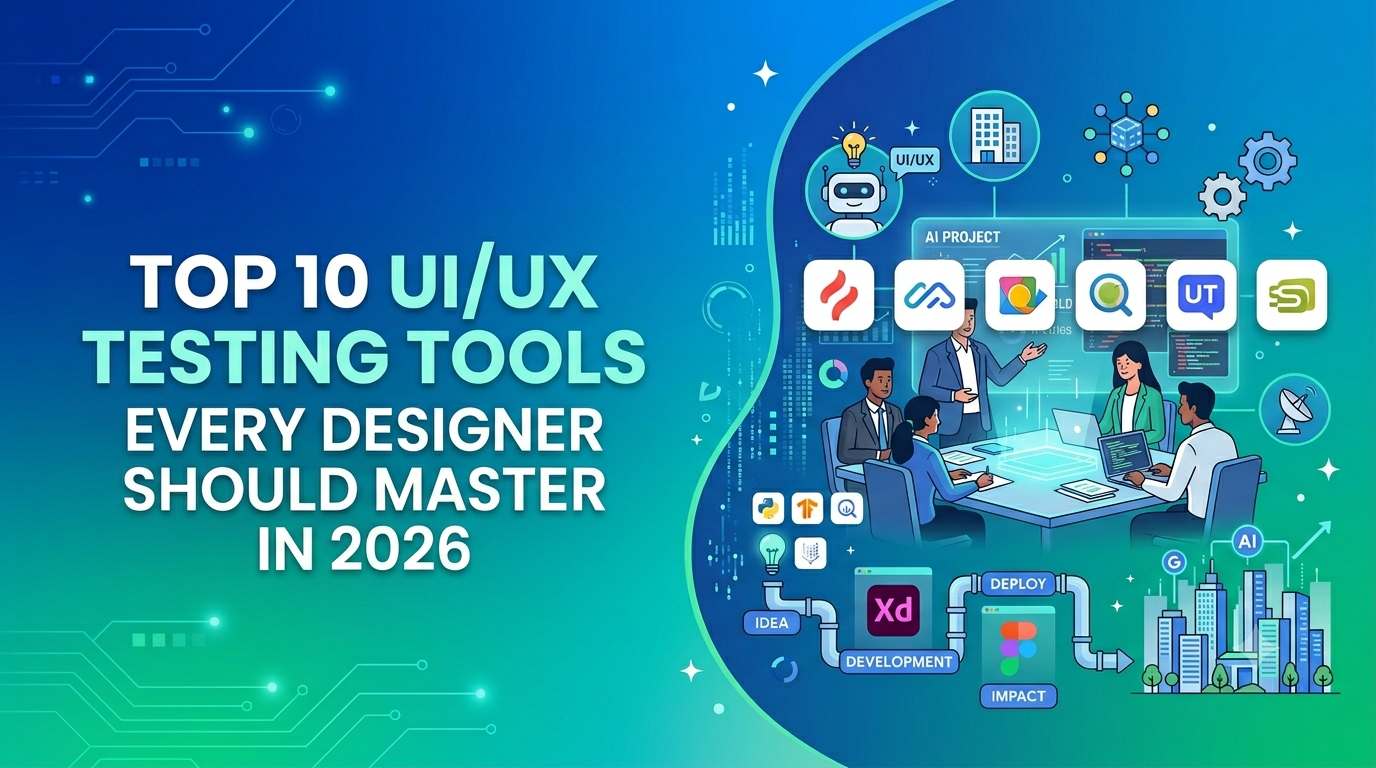
In this comprehensive guide, we’ll explore 10 powerful UI/UX testing tools, how they work, and why they are essential for modern designers in 2026.
1. Hotjar – Visualize Real User Behavior
Hotjar is one of the most widely used UX analytics tools that helps designers understand exactly how users interact with a website or application.
It provides:
Heatmaps (clicks, taps, scroll behavior)
Session recordings
User feedback polls and surveys
With these features, designers can see what users do instead of guessing. For example, if users are not clicking a CTA button, Hotjar can reveal whether it’s due to poor placement, visibility issues, or confusion.
Why it stands out:
Hotjar combines quantitative and qualitative data, making it a powerful tool for identifying usability issues quickly.
2. Maze – Rapid Prototype Testing
Maze is a fast and efficient tool for testing prototypes and gathering actionable insights without writing code. It integrates seamlessly with tools like Figma and Adobe XD.
Key features include:
Usability testing on prototypes
Task-based testing
Heatmaps and misclick tracking
Automated reports
Maze allows designers to validate ideas early, reducing the risk of costly redesigns later in development.
Best use case:
Testing wireframes and prototypes before development begins.
3. UsabilityHub – Quick Design Validation
UsabilityHub is ideal for collecting quick feedback on design concepts. It offers simple yet powerful tests such as:
First-click tests
Five-second tests
Preference tests
Navigation tests
These tests help designers understand first impressions and clarity, which are crucial for user engagement.
Why designers love it:
It provides fast results, making it perfect for early-stage decision-making.
4. Optimal Workshop – Improve Information Architecture
Optimal Workshop focuses on structuring content effectively. It helps designers organize information in a way that aligns with how users think.
Main tools include:
Card sorting
Tree testing
User surveys
This tool is essential for improving navigation and ensuring users can find information easily.
Use it for:
Designing menus, navigation systems, and content-heavy websites.
5. Lookback – Live User Testing & Interviews
Lookback allows designers to conduct live usability testing sessions and interviews with users.
Features include:
Live screen sharing
Session recording
Real-time collaboration
Observational research
This tool helps designers understand user emotions, reactions, and frustrations, which are often missed in analytics tools.
Why it matters:
It provides deep qualitative insights that numbers alone cannot reveal.
6. Crazy Egg – Heatmaps & A/B Testing
Crazy Egg is a behavior analytics tool that helps designers optimize web pages through:
Heatmaps
Scroll maps
Click tracking
A/B testing
It allows designers to test multiple versions of a design and identify which performs better.
Key benefit:
Improves conversion rates by making data-backed design decisions.
7. UserTesting – Real User Feedback at Scale
UserTesting is a premium platform that connects designers with real users who provide video-based feedback.
It offers:
Usability testing videos
User interviews
Journey mapping insights
Customer experience analytics
Designers can observe how users think and behave while interacting with their product.
Best for:
In-depth usability research and enterprise-level testing.
8. PlaybookUX – All-in-One Research Platform
PlaybookUX combines multiple research methods into a single platform.
Capabilities include:
Moderated and unmoderated testing
Surveys and interviews
Video-based feedback
Automated insights
It’s a flexible tool suitable for both small teams and large organizations.
Why it’s useful:
It simplifies the research process by centralizing all testing activities.
9. UXCam – Mobile UX Optimization
UXCam is specifically designed for mobile app testing and analytics.
Features include:
Session replay
User journey tracking
Crash analytics
Funnel analysis
It helps designers understand how users interact with mobile apps and where they face issues.
Ideal for:
Improving mobile app performance and usability.
10. Google Optimize – Data-Driven Experimentation
Google Optimize enables designers to run experiments and personalize user experiences.
It integrates with Google Analytics to provide:
A/B testing
Multivariate testing
Personalization
Performance tracking
Why it’s powerful:
It helps designers make decisions based on real user data rather than assumptions.
Types of UI/UX Testing Tools (Understanding the Ecosystem)
To use these tools effectively, it’s important to understand the categories they fall into:
1. Behavior Analytics Tools
Tools like Hotjar and Crazy Egg track how users interact with interfaces.
2. Prototype Testing Tools
Maze helps validate designs before development.
3. Usability Testing Platforms
UserTesting and UsabilityHub gather real user feedback.
4. UX Research Tools
Optimal Workshop and PlaybookUX focus on research and insights.
5. Mobile UX Tools
UXCam specializes in mobile analytics.
How to Choose the Right UI/UX Testing Tool
Selecting the right tool depends on your goals, budget, and workflow. Here are some key considerations:
Project Stage: Use Maze for early prototypes and Hotjar for live products
Type of Insights: Choose Lookback for qualitative insights and Crazy Egg for quantitative data
Platform: Use UXCam for mobile apps and Google Optimize for web experiments
Team Size: Larger teams may benefit from UserTesting or PlaybookUX
The best approach is to combine multiple tools to get a complete picture of user behavior.
Benefits of Using UI/UX Testing Tools
Using these tools can significantly enhance your design process:
Improved usability: Identify and fix user pain points
Better decision-making: Use real data instead of assumptions
Higher conversion rates: Optimize user journeys
Reduced development cost: Catch issues early
Enhanced user satisfaction: Deliver intuitive experiences
Final Thoughts
UI/UX testing tools is no longer optional—it’s a necessity in modern design. As user expectations continue to rise in 2026, designers must rely on tools that provide real insights, not guesses.
By leveraging tools like Hotjar, Maze, and UserTesting, you can continuously test, refine, and improve your designs.
The most successful designers are not just creative—they are data-driven, user-focused, and constantly learning.
Want to Learn UI/UX + AI? Start Here
 If you’re curious, I highly recommend checking out the UI/UX courses by Kaashiv Infotech. They offer hands-on training, real-world projects, and even AI integration in the curriculum.
 Visit: www.kaashivinfotech.com