Key Highlights 📌
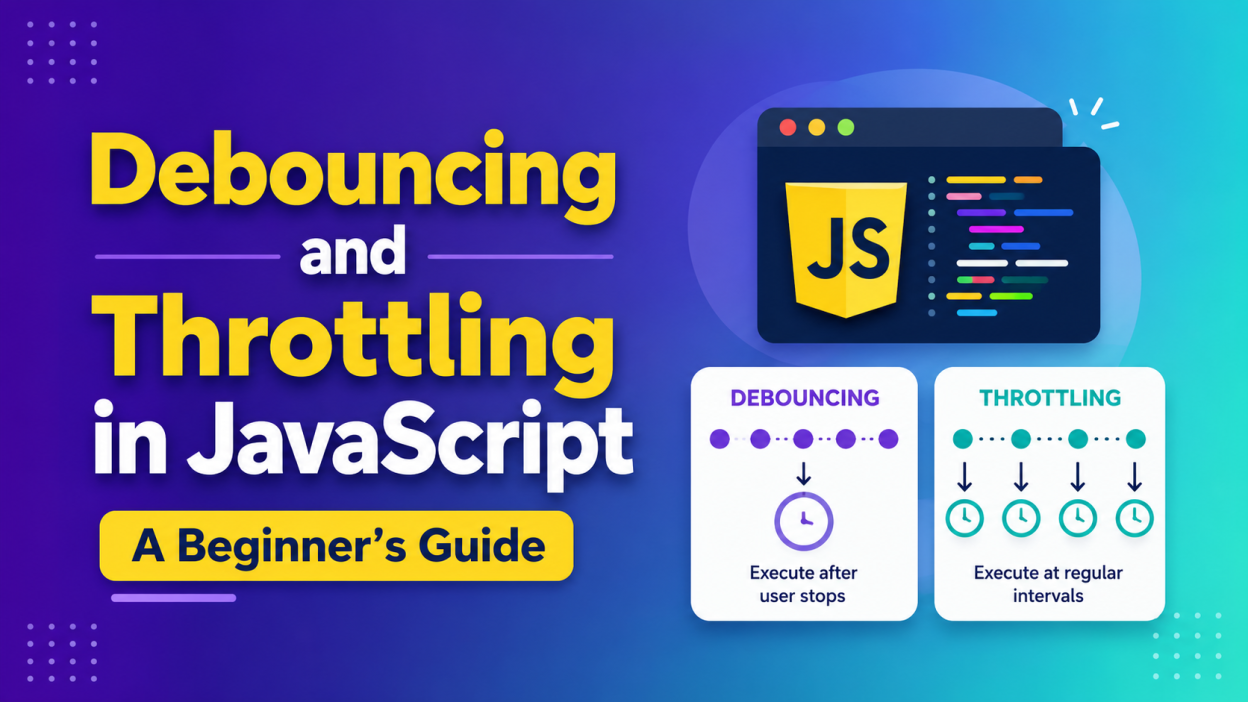
- Learn what Debouncing and Throttling in JavaScript mean.
- Understand the difference between debouncing and throttling.
- Discover why these techniques improve website performance.
- Learn real-world examples of debouncing and throttling.
- Understand when to use debouncing and when to use throttling.
- Explore the advantages of both techniques.
- Learn best practices for implementing Debouncing and Throttling in JavaScript.
Debouncing and Throttling in JavaScript
Debouncing and Throttling in JavaScript are two important performance optimization techniques that control how often a function executes. Debouncing and Throttling in JavaScript help reduce unnecessary function calls, making web applications faster and more efficient.
Whenever users type in a search box, resize a browser window, or scroll through a webpage, hundreds of events can occur every second. Without proper control, these repeated function calls can slow down your application and increase CPU usage.
In this guide, you’ll learn what debouncing and throttling are, how they work, their differences, and when to use each technique.
What is Debouncing in JavaScript?
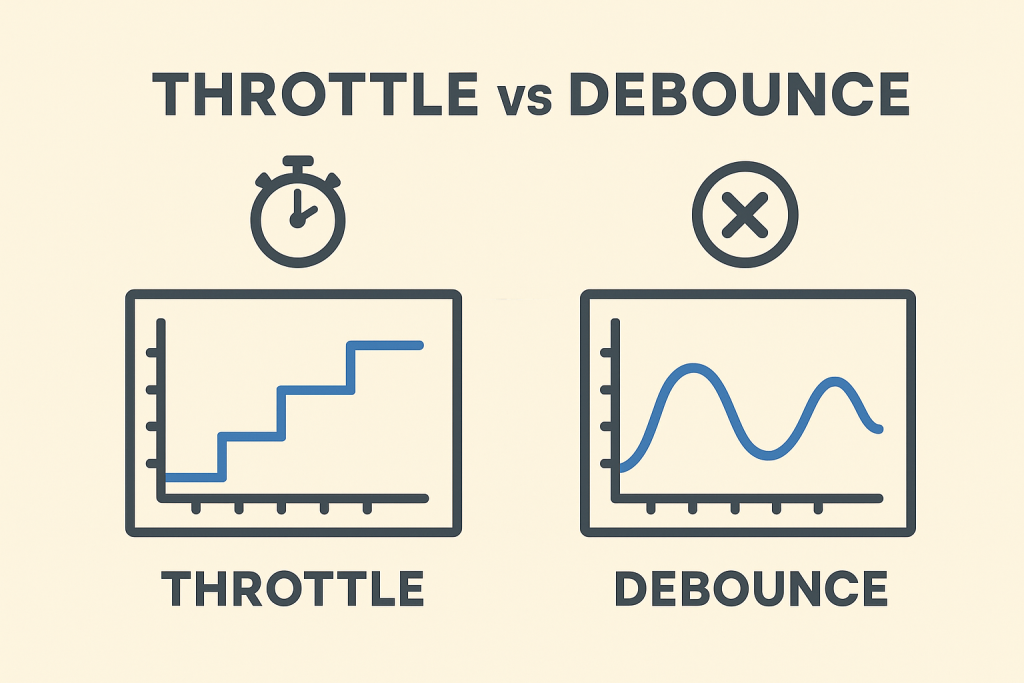
Debouncing is a technique that delays the execution of a function until a specific amount of time has passed since the last event occurred.
Instead of running a function repeatedly, debouncing waits until the user stops performing an action.
Example
Imagine you’re searching for a product on Amazon.
If the search request is sent after every letter you type:
- A
- Ap
- App
- Appl
- Apple
The browser sends five API requests.
With debouncing, the request is sent only after you finish typing.
How Debouncing Works
- User performs an event.
- A timer starts.
- If another event occurs before the timer finishes, the timer resets.
- The function executes only after the user stops triggering the event.
Common Uses of Debouncing
- Search boxes
- Auto-complete suggestions
- Form validation
- Window resizing
- Saving draft data automatically
Advantages of Debouncing
- Reduces unnecessary function calls
- Improves application performance
- Saves server resources
- Reduces API requests
- Provides a smoother user experience
Disadvantages of Debouncing
- Slight delay before execution
- Not suitable for continuous updates
- May feel less responsive if delay is too long
What is Throttling in JavaScript?
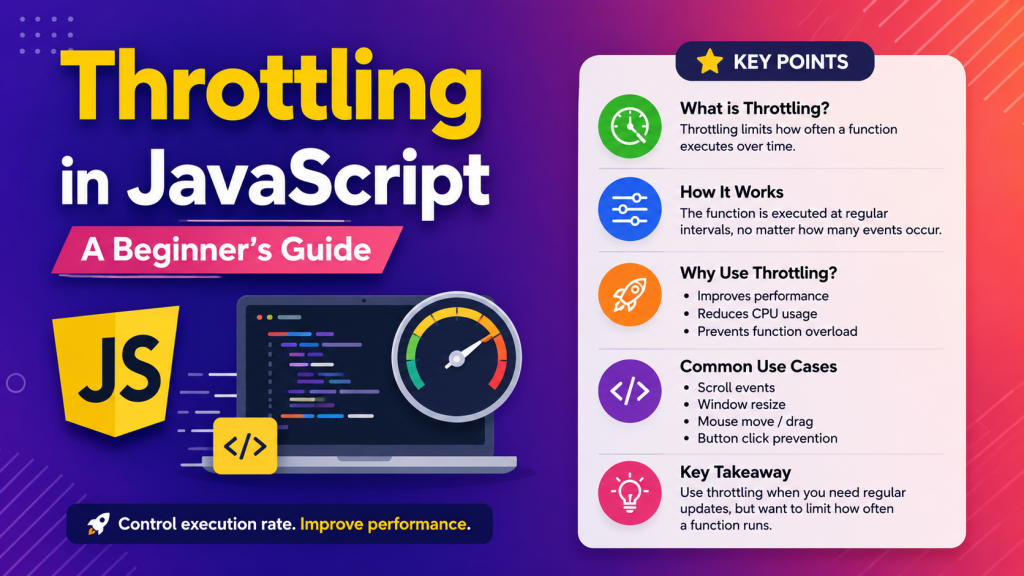
Throttling is a technique that limits how often a function can execute within a specified time interval.
Unlike debouncing, throttling allows the function to execute repeatedly, but only once during each time interval.
Example
Imagine tracking a user’s scrolling position.
Without throttling:
- The scroll event may execute hundreds of times every second.
With throttling:
- The function executes only once every 200 milliseconds.
This reduces unnecessary processing while still keeping the application responsive.
How Throttling Works
- User triggers an event.
- Function executes immediately.
- Further events are ignored until the specified time interval ends.
- After the interval, the function can execute again.
Common Uses of Throttling
- Scroll events
- Mouse movement tracking
- Window resizing
- Infinite scrolling
- Game controls
- Button click prevention
Advantages of Throttling
- Improves performance
- Prevents excessive function execution
- Keeps applications responsive
- Reduces CPU usage
- Ideal for continuous events
Disadvantages of Throttling
- Some events may be skipped
- Updates may not occur instantly
- Requires choosing an appropriate interval
Difference Between Debouncing and Throttling in JavaScript
| Feature | Debouncing | Throttling |
|---|---|---|
| Execution | After the user stops triggering events | At regular intervals |
| Function Calls | One call after inactivity | Multiple calls at fixed intervals |
| Best For | Search inputs, form validation | Scroll, resize, mouse movement |
| Performance | Reduces unnecessary requests | Controls execution frequency |
| User Experience | Waits before executing | Executes continuously at intervals |
When Should You Use Debouncing?
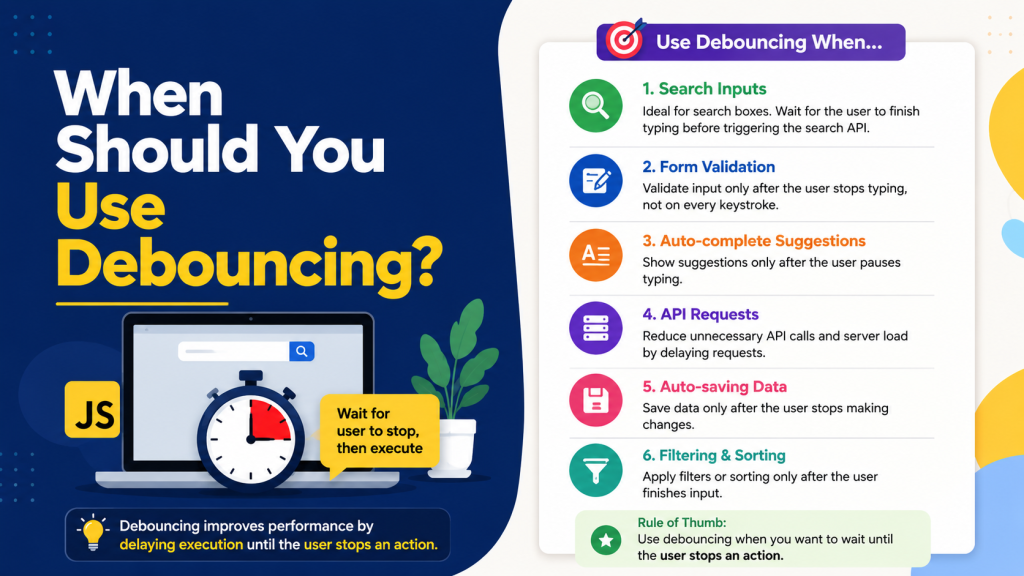
Use debouncing when you want the function to execute only after the user has finished an action.
Examples:
- Search suggestions
- Login form validation
- Auto-save
- Filtering data
When Should You Use Throttling?
Use throttling when you need continuous updates but want to limit execution frequency.
Examples:
- Scroll events
- Drag-and-drop operations
- Window resizing
- Mouse tracking
- Animation updates
Debouncing vs Throttling: Which One Should You Choose?
Choose debouncing when the final user action is important.
Choose throttling when continuous updates are required but executing the function too frequently would affect performance.
A simple rule:
- Debouncing → Wait until the user stops.
- Throttling → Execute at fixed intervals.
Best Practices for Debouncing and Throttling in JavaScript
- Choose an appropriate delay or interval.
- Avoid very short intervals that provide little optimization.
- Test performance with real user interactions.
- Use debouncing for API requests.
- Use throttling for scroll and resize events.
- Keep functions lightweight for better responsiveness.
Real-World Applications
Developers commonly use Debouncing and Throttling in JavaScript in:
- Search engines
- E-commerce websites
- Social media platforms
- Dashboard applications
- Online editors
- Maps and navigation systems
- Infinite scrolling pages
Conclusion
Debouncing and Throttling in JavaScript are essential techniques for building fast and responsive web applications. While both improve performance by reducing unnecessary function executions, they solve different problems.
Use debouncing when you want to wait until the user finishes an action, such as typing in a search box. Use throttling when you need regular updates during continuous events like scrolling or resizing.
Understanding Debouncing and Throttling in JavaScript will help you create smoother user experiences, reduce server load, and build high-performance applications. Mastering these techniques is an important step toward becoming a better JavaScript developer.
Want to learn more about javascript??, kaashiv Infotech Offers Front End Development Course, Full Stack Development Course, & More www.kaashivinfotech.com.