
jQuery Effects: A Complete Guide is exactly what I wish I had when I first started learning front-end development. I still remember opening a website years ago and wondering, “How did that menu smoothly slide down? Why does that button fade in instead of suddenly appearing?” At that time, everything looked like magic.
The good news? It wasn’t magic. It was mostly jQuery Effects.
In this jQuery Effects: A Complete Guide, I’ll explain everything in simple words, just like I’d explain it to a friend who’s learning web development for the first time. We’ll cover every important jQuery effect, see practical examples, learn where they’re used, and understand when they should (and shouldn’t) be used.
Let’s get started! 🚀

📌 Key Highlights
- ✅ What are jQuery Effects?
- ✅ Why jQuery Effects became so popular
- ✅ Common jQuery Effects with examples
- ✅ Understanding speed and callback functions
- ✅ Using
animate()effectively - ✅ Real-world examples
- ✅ Best practices
- ✅ Common mistakes beginners make
- ✅ Frequently Asked Questions
What are jQuery Effects? 🤔
Simply put, jQuery Effects are built-in functions that add animation and visual changes to HTML elements.
Instead of instantly hiding or showing something, jQuery lets us create smooth transitions.
For example:
- Showing a login form
- Hiding notifications
- Sliding navigation menus
- Fading images
- Creating animated cards
Without effects, websites often feel static.
With effects, everything feels smoother and more interactive.
Why I Like Using jQuery Effects ❤️
When I was learning web development, I built a simple FAQ page.
Initially, clicking a question instantly displayed the answer.
It worked…
But honestly?
It felt boring.
Then I replaced it with slideDown().
Suddenly, the page looked much more professional.
That tiny change made a huge difference.
Sometimes small animations improve user experience more than fancy designs.
Popular jQuery Effects You Should Know
Let’s go through every important one.
1. show()
The show() method displays hidden elements.
Syntax
$("#box").show();Example
<div id="box" style="display:none;">
Welcome!
</div>

<button id="btn">Show</button>

<script>
$("#btn").click(function(){
$("#box").show();
});
</script>
Output
Clicking the button displays the hidden message.
2. hide()
The opposite of show().
It hides visible elements.
$("#box").hide();Example:
Hide advertisements
Hide notifications
Hide menu sections
3. toggle()
Instead of writing both show and hide separately, use toggle().
$("#box").toggle();Every click alternates between hiding and showing.
I use this frequently for FAQ sections.
4. fadeIn() 🌟
Rather than appearing instantly, the element slowly becomes visible.
$("#image").fadeIn();Looks much smoother.
5. fadeOut()
The reverse.
$("#image").fadeOut();Instead of disappearing immediately, it slowly fades away.
6. fadeToggle()
A combination of fadeIn and fadeOut.
$("#image").fadeToggle();Perfect for image galleries.
7. fadeTo()
This changes opacity.
$("#image").fadeTo("slow",0.5);The image becomes 50% transparent.
8. slideDown() 📖
One of my favorites.
$("#menu").slideDown();Great for:
- Navigation menus
- FAQ answers
- Dropdown lists
9. slideUp()
Hides content by sliding upward.
$("#menu").slideUp();10. slideToggle()
Instead of writing both slideUp and slideDown:
$("#menu").slideToggle();Very commonly used in responsive menus.
11. animate() 🚀
This is the most powerful effect.
It allows custom animations.
Example:
$("#box").animate({
left:'250px'
});
You can animate:
- Width
- Height
- Margin
- Padding
- Opacity
- Position
Example:
$("#box").animate({
width:'300px',
height:'200px',
opacity:0.5
});
Now multiple properties change together.
12. stop()
Imagine clicking an animation repeatedly.
Without stopping it, animations keep stacking.
That’s where stop() helps.
$("#box").stop();It immediately stops the current animation.
Understanding Speed
Most jQuery Effects support speed.
Example:
$("#box").show("slow");or
$("#box").show("fast");You can also specify milliseconds.
$("#box").show(2000);Meaning:
2000 milliseconds = 2 seconds.
Callback Functions
Sometimes we want something to happen after the animation finishes.
Example:
$("#box").hide(1000,function(){
alert("Hidden Successfully!");
});
The alert appears only after the hiding animation completes.
Real-Life Example 🌍
Think about online shopping.
When you click Add to Cart, many websites don’t suddenly show the cart.
Instead:
- The cart slides in.
- A notification fades in.
- The product image animates.
Those are examples of jQuery Effects making the experience feel polished and engaging.
Why Developers Loved jQuery Effects
Years ago, JavaScript animations were harder to write consistently across browsers.
jQuery simplified everything.
Instead of writing many lines of JavaScript, developers could write:
$("#menu").slideToggle();One line.
Done.
That’s one reason jQuery became hugely popular.
Best Practices for Using jQuery Effects ✅
I learned these after making plenty of mistakes.
- ✔️ Use animations only when they improve usability.
- ✔️ Keep animations short.
- ✔️ Avoid animating everything on the page.
- ✔️ Test animations on mobile devices.
- ✔️ Combine effects with clean UI design.
- ✔️ Prefer smooth transitions instead of flashy movements.
Remember, subtle animations often feel more professional than dramatic ones.
Common Mistakes Beginners Make ❌
Here are a few mistakes I see often:
- Using animations that are too slow.
- Triggering multiple animations with repeated clicks.
- Forgetting to use
stop(). - Animating too many elements at the same time.
- Using effects where a simple CSS transition would work better.
Keeping things simple usually leads to a better user experience.
jQuery Effects vs CSS Animations
| Feature | jQuery Effects | CSS Animations |
|---|---|---|
| Easy for beginners | ✅ Yes | ✅ Yes |
| Requires JavaScript | ✅ Yes | ❌ No |
| Better for UI interactions | ✅ Yes | Sometimes |
| Better performance | Good | Excellent |
| Modern recommendation | Limited | Preferred |
Today, many developers use CSS transitions and the Web Animations API for simple animations because they are generally more performant. However, jQuery Effects are still useful when maintaining older projects or learning how JavaScript-based animations work.
Where Can You Practice jQuery Effects?
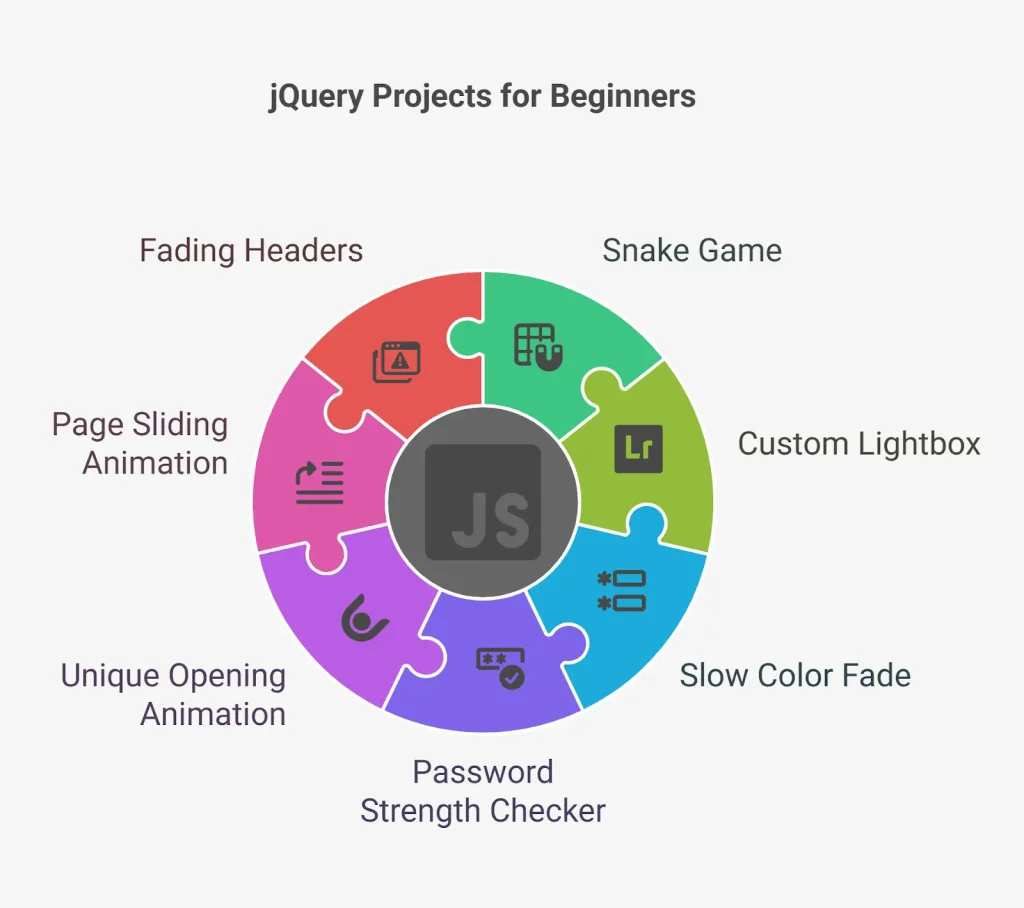
I recommend experimenting with small projects like:
- 🎯 Image gallery
- 🎯 FAQ accordion
- 🎯 Login popup
- 🎯 Notification banner
- 🎯 Shopping cart panel
- 🎯 Responsive navigation menu
The more you build, the more natural these effects become.
Conclusion 🎉
When I first explored jQuery Effects, I thought they were just decorative animations. After building real websites, I realized they’re really about creating a smoother, more enjoyable experience for users.
This jQuery Effects: A Complete Guide covered the most commonly used methods, including show(), hide(), toggle(), fadeIn(), fadeOut(), slideDown(), slideUp(), slideToggle(), animate(), and stop(). By understanding when and how to use these effects, you’ll be able to build interfaces that feel polished without overwhelming your visitors.
If you’re learning front-end development, spend some time experimenting with each effect. Small projects and hands-on practice will teach you far more than memorizing syntax. As your skills grow, you’ll also know when to choose modern CSS animations and when jQuery Effects are the right tool for the job.
Happy coding! 🚀
Frequently Asked Questions (FAQs)
1. What are jQuery Effects?
jQuery Effects are built-in methods that create smooth visual animations such as showing, hiding, fading, sliding, and custom animations for HTML elements.
2. Is jQuery still used today?
Yes, although modern frameworks and CSS animations are more common for new projects, many existing websites still rely on jQuery. Learning it is valuable for maintaining legacy applications.
3. Which jQuery Effect is used the most?
Some of the most commonly used effects are show(), hide(), toggle(), fadeIn(), slideToggle(), and animate().
4. Can I use multiple jQuery Effects together?
Yes. You can chain methods or use callback functions to execute one effect after another for smoother user interactions.
5. Should I use jQuery Effects or CSS animations?
For modern websites, CSS transitions and animations are generally the preferred choice because of better performance. However, jQuery Effects remain useful for legacy projects and certain JavaScript-driven interactions.
Want to learn more about, Ajax and Jquery ? Kaashiv Infotech Offers,Web Development Course, Full Stack Python Course, Data Science Course, & More, visit their website www.kaashivinfotech.com.


