
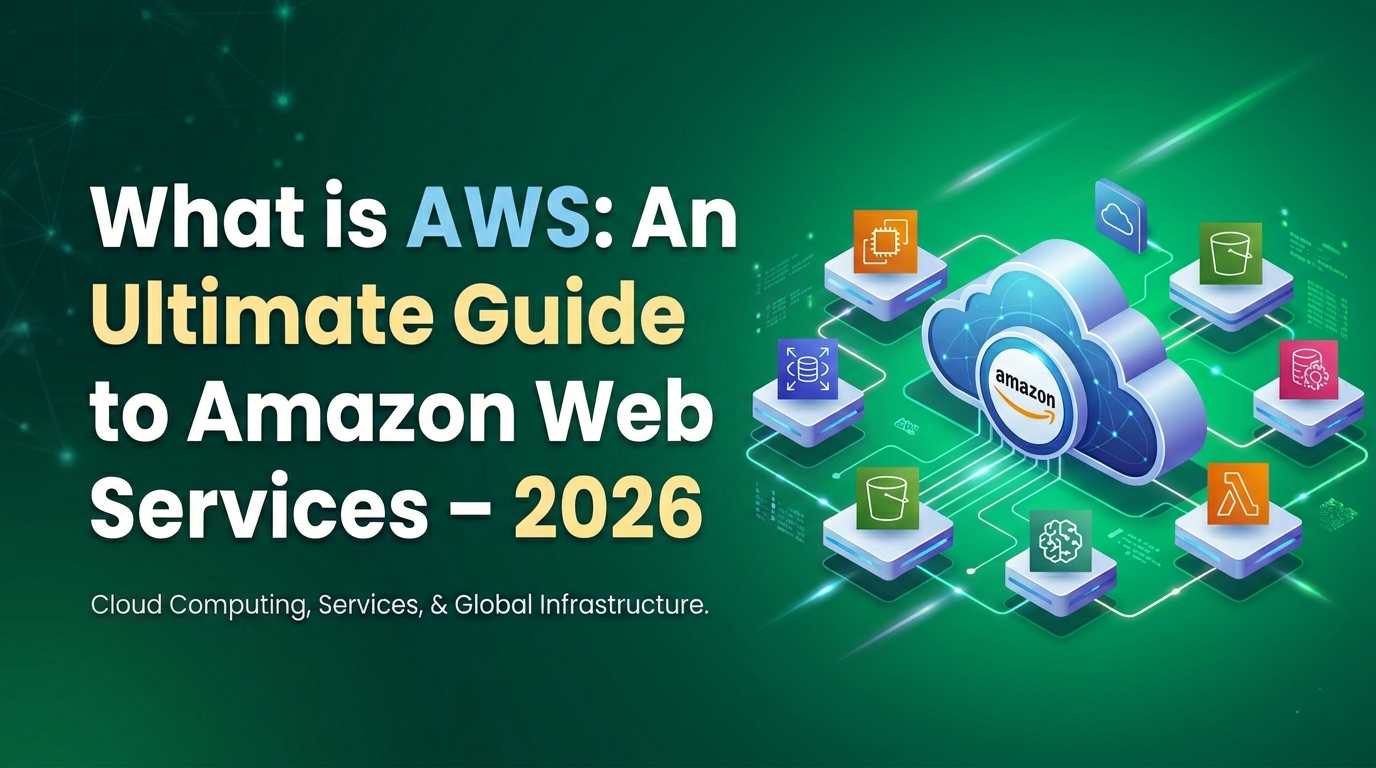
If you are starting your cloud journey, one of the first questions you will probably ask is: What is AWS? You may have heard developers, companies, and IT professionals talking about AWS all the time. That is because AWS is one of the biggest and most trusted cloud platforms in the world.
In this article by Kaashiv Infotech, we will explain what is AWS in a simple and human way. No confusing jargon. No overly technical explanations. Just a clear guide that helps beginners understand AWS, how it works, why businesses use it, and what services it offers.
What is Cloud Computing?
Before understanding what is AWS, it helps to understand cloud computing first.
Cloud computing means using computing services like:
- Servers
- Storage
- Databases
- Networking
- Software
- Analytics
- Security
These services are delivered over the internet instead of being hosted only on your personal computer or local office servers.
In simple words, cloud computing lets you rent technology resources whenever you need them. You do not have to buy expensive hardware, set up physical servers, or maintain everything yourself.
Why Cloud Computing Matters
Cloud computing has changed the way businesses work because it offers:
- Lower upfront cost
- Faster deployment
- Better scalability
- Easy remote access
- Strong security options
- Reliable backup and disaster recovery
This is where AWS comes in.
What is AWS?
AWS stands for Amazon Web Services. It is a cloud computing platform provided by Amazon that offers a wide range of online services such as computing power, storage, databases, networking, analytics, machine learning, and much more.
If we explain what is AWS in the simplest way, AWS is a platform where businesses and developers can build, host, manage, and scale applications using Amazon’s global cloud infrastructure.
Today, AWS offers more than 200 cloud-based services and is used by startups, enterprises, educational institutions, and governments across the globe.
AWS Meaning in Simple Words
Think of AWS as a giant online toolbox. Instead of buying physical machines and software, you can simply choose the tools you need from AWS and pay only for what you use.
That is one of the biggest reasons why AWS is so popular.
History of AWS
To understand the growth of AWS, let’s take a quick look at its journey.
- 2002: AWS services were first launched
- 2006: AWS officially launched cloud products
- 2012: AWS held its first major customer event
- 2015: AWS reached $4.6 billion in revenue
- 2016: AWS crossed $10 billion in revenue
- 2016: Snowball and Snowmobile were introduced
- 2019 and beyond: AWS kept launching new cloud services rapidly
Over the years, AWS has become a leader in the cloud industry and continues to expand its services and infrastructure.
How Does AWS Work?
A common beginner question after learning what is AWS is how it actually works.
AWS works through a network of global data centers. These data centers are located in different regions around the world. Users can choose services based on their requirements and access them through the internet.
For example, if you need a virtual server, AWS can provide one instantly. If you need storage for files, backups, or videos, AWS can give you scalable storage space. If your app suddenly gets more traffic, AWS can automatically scale up resources.
AWS Working Model
AWS follows an on-demand model. This means:
- You choose the service you need
- You configure it based on your project
- You use it for as long as you want
- You pay only for usage
This makes AWS flexible, fast, and cost-effective for both small and large businesses.
Key Advantages of AWS
There are many reasons why companies choose AWS. Let’s look at some major benefits.
1. Cost-Effective
AWS follows a pay-as-you-go pricing model. You do not need to make big investments in hardware or software. You only pay for the resources you consume.
2. Scalable
Whether you are running a small website or a large global application, AWS can scale your infrastructure based on demand.
3. Global Reach
AWS has data centers in multiple regions worldwide, which helps businesses serve customers faster and more efficiently.
4. Security
AWS provides strong security services and compliance support, which helps protect data and applications.
5. Reliability
AWS offers high availability and backup options, making it a trusted platform for critical business applications.
6. Easy to Use
AWS has a user-friendly management console, documentation, and tools that make cloud adoption easier for beginners and experts alike.
Disadvantages of AWS
While AWS is powerful, it also has some limitations.
- Some advanced support plans cost extra
- Beginners may feel overwhelmed by the large number of services
- Resource limits may vary by region
- Improper configuration can lead to higher costs
- Migrating to the cloud may involve technical challenges
Even so, with proper learning and planning, these challenges can be managed effectively.
Top AWS Services You Should Know
When learning what is AWS, it is important to understand its main services. AWS offers hundreds of services, but here are some of the most widely used ones.
AWS Compute Services
Compute services help you run applications and workloads in the cloud.
Amazon EC2
Amazon EC2 stands for Elastic Compute Cloud. It lets you rent virtual servers to run applications.
Use cases:
- Hosting websites
- Running applications
- Development and testing
- Business software deployment
AWS Lambda
AWS Lambda is a serverless compute service. It lets you run code without managing servers.
Use cases:
- Event-driven applications
- Automation tasks
- Backend APIs
- Real-time file processing
AWS Storage Services
Storage is one of the most important parts of cloud computing.
Amazon S3
Amazon S3 stands for Simple Storage Service. It is used to store files, backups, images, videos, and large amounts of data.
Benefits of Amazon S3:
- Highly durable
- Easy to scale
- Good for backups and archives
- Useful for websites and applications
Amazon EBS
Amazon Elastic Block Store provides storage volumes for EC2 instances. It is useful for databases, file systems, and applications requiring persistent storage.
AWS Database Services
AWS provides both relational and non-relational database services.
Amazon RDS
Amazon RDS is a managed relational database service. It makes it easier to set up, operate, and scale databases in the cloud.
Amazon DynamoDB
DynamoDB is a fast and flexible NoSQL database service. It is commonly used for modern apps that need low latency and high performance.
AWS Networking Services
Networking services help connect and manage cloud infrastructure.
Amazon VPC
Amazon Virtual Private Cloud lets users create a private cloud network within AWS. It gives better control over IP ranges, subnets, and security.
Amazon Route 53
Route 53 is AWS’s DNS service. It helps route internet traffic to applications and websites.
AWS Security Services
Security is a big reason why businesses trust AWS.
AWS IAM
IAM stands for Identity and Access Management. It controls who can access AWS resources and what actions they can perform.
AWS KMS
AWS Key Management Service helps create and manage encryption keys for securing data.
AWS Monitoring and Management Tools
Amazon CloudWatch
CloudWatch monitors AWS resources and applications. It collects logs, metrics, and alerts to help manage performance.
AWS CloudFormation
CloudFormation helps automate infrastructure setup using templates. It is very useful for managing resources at scale.
Applications of AWS
Another important part of understanding what is AWS is knowing where it is used.
AWS supports many types of applications and industries.
Common Applications of AWS
- Website hosting
- Mobile app development
- Data storage and backup
- Big data analytics
- Artificial intelligence and machine learning
- Gaming applications
- IoT solutions
- Messaging and notifications
- AR and VR solutions
- Enterprise software deployment
Real-World Examples
Many well-known companies use AWS, including:
- Netflix
- Adobe
- Airbnb
- Capital One
- Coinbase
- Intuit
These companies rely on AWS for scalability, performance, and innovation.
AWS Pricing Model
AWS is known for its flexible pricing model.
How AWS Pricing Works
AWS usually charges based on:
- Compute usage
- Storage consumption
- Data transfer
- Database operations
- Additional support plans
The biggest benefit is that there is no need for long-term commitments in many cases. You can use services as needed and pay accordingly.
AWS Free Tier
AWS also offers a Free Tier, which is excellent for beginners. It provides limited free access to several services so users can learn and experiment without major cost.
This is very useful for students, developers, and businesses exploring AWS for the first time.
AWS Migration Services
AWS provides migration tools to help businesses move their applications, servers, and databases to the cloud.
AWS DMS
Database Migration Service helps migrate databases from one platform to another.
AWS SMS
Server Migration Service helps move on-premise servers to AWS.
AWS Snowball
Snowball is used for transferring large amounts of data physically and securely into the AWS cloud.
These tools make cloud migration easier and faster for organizations.
Why Businesses Choose AWS
Businesses choose AWS because it solves many common technology problems. Instead of investing heavily in IT infrastructure, companies can focus on innovation and growth.
Reasons Businesses Prefer AWS
- Quick deployment
- Reduced infrastructure cost
- Better scalability
- Strong global infrastructure
- Advanced security features
- Wide range of services
- Continuous innovation
From startups to giant enterprises, AWS works for businesses of almost every size.
Is AWS Good for Beginners?
Yes, absolutely. If you are asking what is AWS as a beginner, you are already on the right path.
AWS may look huge at first, but you do not need to learn everything at once. Start with the basics:
- Cloud computing concepts
- AWS Management Console
- EC2
- S3
- IAM
- RDS
- Lambda
Once you build confidence, you can move to advanced topics like DevOps, security, automation, and architecture.
How to Get Started with AWS
If you want to begin learning AWS, here is a simple path.
Step-by-Step Beginner Roadmap
- Learn basic cloud computing concepts
- Create an AWS Free Tier account
- Explore the AWS Management Console
- Practice with EC2 and S3
- Learn IAM for access control
- Understand databases like RDS and DynamoDB
- Try serverless tools like Lambda
- Build small projects
- Learn deployment and monitoring
- Prepare for AWS certifications if needed
The key is to learn by doing. Hands-on practice makes AWS much easier to understand.
Conclusion
So, what is AWS?
AWS is Amazon’s cloud computing platform that offers a huge range of services for computing, storage, networking, databases, security, analytics, and much more. It helps businesses and developers build applications faster, reduce infrastructure costs, and scale with ease.
For beginners, AWS may seem big at first, but once you understand the basics, it becomes an exciting and valuable skill. Whether you want to host a website, build an app, analyze data, or start a career in cloud computing, AWS gives you the tools to do it.
At Kaashiv Infotech, we believe learning technology should feel simple, practical, and human. If you are starting your cloud journey, AWS is one of the best places to begin.
FAQs About What is AWS
1. What is AWS in simple words?
AWS is Amazon Web Services, a cloud platform that provides online services like servers, storage, databases, and more on a pay-as-you-go basis.
2. What is AWS used for?
AWS is used for hosting websites, running applications, storing data, managing databases, machine learning, analytics, and many other cloud-based tasks.
3. Is AWS free to use?
AWS offers a Free Tier with limited usage for many services. Beyond that, you pay only for the resources you use.
4. Is AWS easy for beginners?
Yes, AWS is beginner-friendly if you start with basic services like EC2, S3, and IAM and learn step by step.
5. What is the difference between AWS and cloud computing?
Cloud computing is the concept of delivering IT services over the internet, while AWS is one of the platforms that provides those cloud services.
1. What is AWS in simple words?
AWS is Amazon Web Services, a cloud platform that provides online services like servers, storage, databases, and more on a pay-as-you-go basis.
2. What is AWS used for?
AWS is used for hosting websites, running applications, storing data, managing databases, machine learning, analytics, and many other cloud-based tasks.
3. Is AWS free to use?
AWS offers a Free Tier with limited usage for many services. Beyond that, you pay only for the resources you use.
4. Is AWS easy for beginners?
Yes, AWS is beginner-friendly if you start with basic services like EC2, S3, and IAM and learn step by step.
5. What is the difference between AWS and cloud computing?
Cloud computing is the concept of delivering IT services over the internet, while AWS is one of the platforms that provides those cloud services.
![Top 5 Tech Careers of the Future [2026]](https://www.kaashivinfotech.com/blog/wp-content/uploads/2026/06/Top-5-Tech-Careers-of-the-Future-2026.png)