

You click on a link, expecting to land on the page you need—and boom! You’re staring at a lonely, frustrating message: 404 Error – Page Not Found. 😤
It’s like being handed a treasure map, only to find that X marks nothing. The page doesn’t exist. It’s gone. Maybe it never existed. Maybe someone moved it. Either way, your journey hits a dead end.
But don’t worry—I’ve dealt with dozens of these, and I’m here to help you make sense of it all. Whether you’re a regular internet user, a web developer, or a site owner, understanding the 404 error is crucial to keeping your web experience smooth and your visitors happy.
🎯 Key Highlights
📌 What is a 404 Error? – It’s an HTTP status code that tells you the page you’re trying to reach doesn’t exist.
🔍 Common Causes – Broken links, mistyped URLs, deleted pages, or server misconfigurations.
🛠 Fixes That Actually Work – Check the URL, refresh the page, clear cache, or fix links on your site if you’re the owner.
🔍 What is a 404 Error? (Also Known as 404 Error Not Found)
A 404 error is a standard HTTP status code. It basically tells you, “Hey, I tried looking for that page, but it’s not here.”
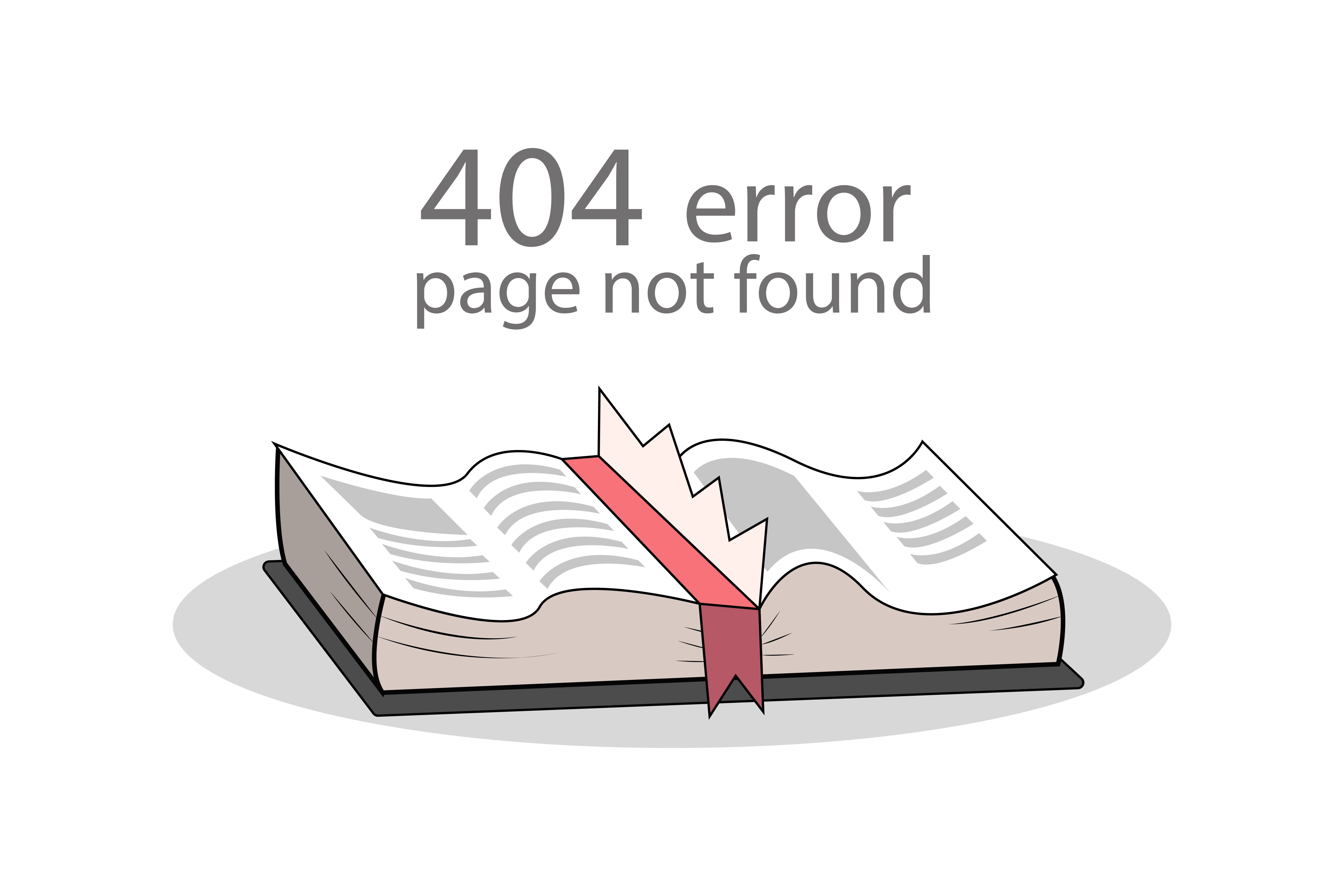
It’s different from a 403 Forbidden Error, which means access is blocked. In the case of a 404, it’s not about permission—it’s about non-existence. The server looked for the resource, and it simply wasn’t there.
Think of it like asking a librarian for a book, and they say, “That book isn’t in our catalog.”
You’ll often see this error displayed as:
- “404 Not Found”
- “The requested URL was not found on this server.”
- “HTTP 404 Error”
- “Page Not Found”
Now that we know what it means, let’s look at what causes it.
🚨 Common Causes of a 404 Error

🔗 Broken Links – A common culprit. When a webpage is removed or renamed without updating internal or external links, boom—404.
✍️ Mistyped URLs – A small typo can take you to no-man’s-land. Double-checking the spelling can save you a headache.
🧹 Deleted or Moved Pages – Sometimes content is removed or the URL changes, but redirects aren’t set up. That leads straight to a 404 error.
🧠 Incorrect DNS Settings – In some rare cases, misconfigured DNS settings might lead to broken page requests.
⚙️ Server or CMS Misconfiguration – WordPress or other CMS platforms can sometimes misroute URLs due to plugin or theme issues.
🧱 Cache or CDN Issues – Old cached versions of a page may be requested even after it has been removed.
🛠️ 7 Real Fixes for the 404 Error (That Actually Work!)
Whether you’re a user trying to reach a page or a site owner, these fixes will help:

1️⃣ Double-Check the URL Make sure you haven’t made a typo. One wrong letter can lead to a dead end.
2️⃣ Refresh the Page Sometimes it’s a temporary glitch. Hit refresh and try again.
3️⃣ Clear Your Browser Cache Your browser may be holding onto outdated info. Clear your cache and cookies.
4️⃣ Try a Different Device or Browser Test the link on your phone or another browser. If it works there, the issue may be with your current setup.
5️⃣ Use a 404 Checker Tool Tools like BrokenLinkCheck or Dead Link Checker can help you find problematic links.
6️⃣ Set Up Redirects (For Site Owners) If a page was moved, set up a 301 redirect to guide users to the new location.
7️⃣ Contact the Website Administrator If all else fails, reach out to the site owner. They might have moved the page without updating links.
🔄 What is a 404 Error in SEO – Why It Matters
Too many 404 errors can damage your site’s SEO. Google might interpret them as poor maintenance, leading to a drop in search rankings. Regularly check your site for broken links and set up redirects where needed.
If you use WordPress, plugins like Redirection or Rank Math can help manage these easily.
💡 Bonus Tip: Make Your 404 Page Useful!
Don’t let your users hit a dead end. Customize your 404 page with:
- A search bar
- Links to popular pages
- A friendly message or image
Need inspiration? This article on Web Browsers: A Deep Dive Beyond the Basics covers helpful tools and browsing habits that might just help you avoid future 404s altogether!
🧾 Final Thoughts On What is 404 Error
The 404 error may be one of the most common issues online, but now it doesn’t have to be frustrating. Whether it’s a simple typo or a bigger server-side issue, you’ve got the tools to troubleshoot it like a pro.
And if you found this guide helpful, you’ll probably enjoy my deep dive on 403 Forbidden Errors. If you want to study course like Networking, Cyber Security, Cloud Computing Visit our website: www.kaashivinfotech.com.
Stay curious—and don’t let a missing page stop your journey! 🌍✨


