Key Highlights 📌
- ✅ Learn What is CAM (Computer-Aided Manufacturing)? in simple language.
- ✅ Understand how CAM software works with CAD.
- ✅ Discover the step-by-step CAM process.
- ✅ Explore real-life CAM applications across industries.
- ✅ Learn the major benefits of CAM.
- ✅ Understand the difference between CAD and CAM.
- ✅ Find out why manufacturers depend on Computer-Aided Manufacturing today.
What is CAM (Computer-Aided Manufacturing)?
What is CAM (Computer-Aided Manufacturing)? If you’ve ever wondered how companies manufacture thousands of perfectly identical products with incredible accuracy, you’re about to discover the answer.
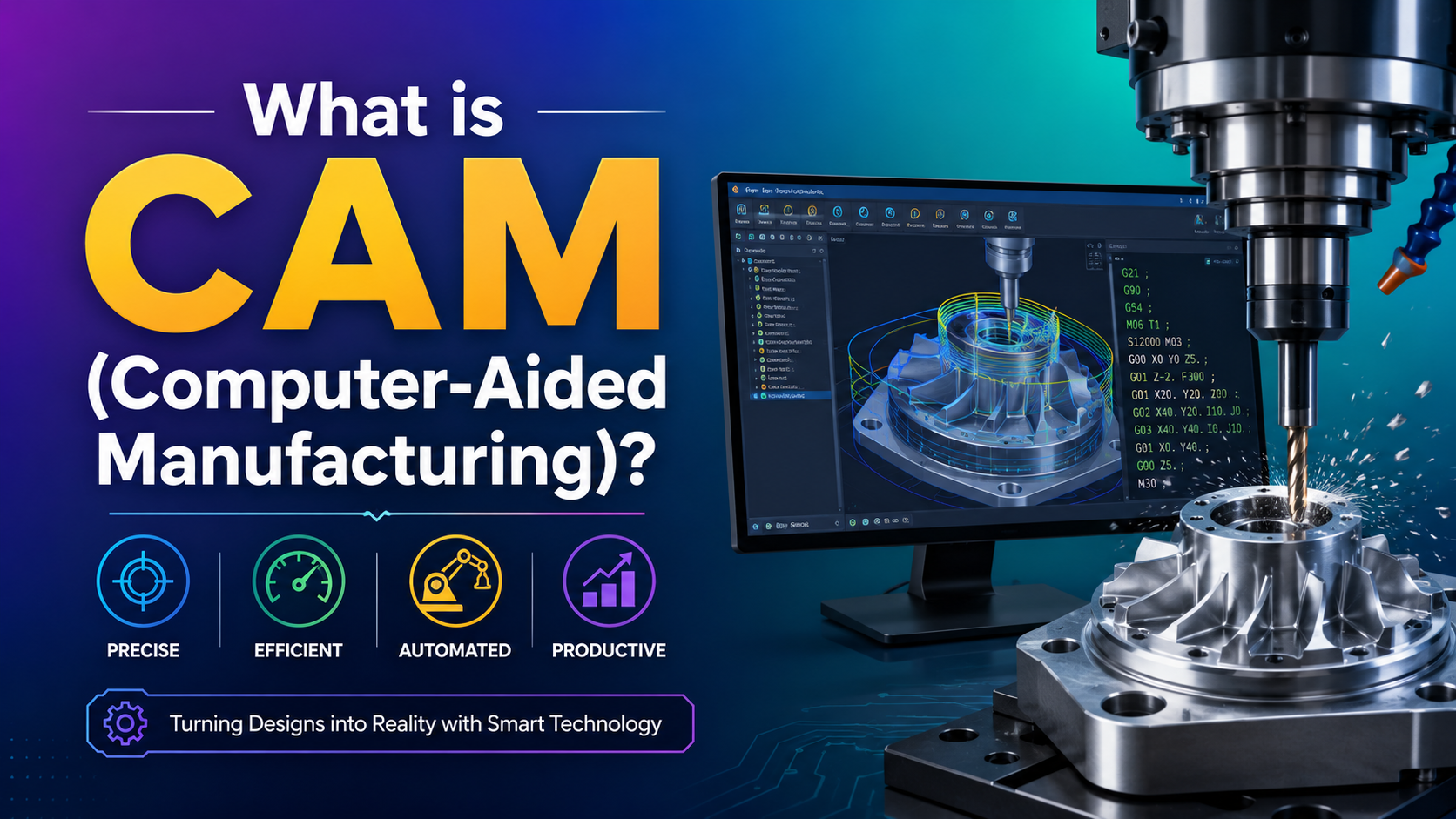
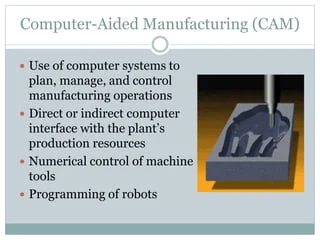
Simply put, CAM (Computer-Aided Manufacturing) is the use of computer software and automated machines to manufacture products. Instead of relying completely on manual work, manufacturers use CAM software to control machines such as CNC machines, lathes, milling machines, laser cutters, and 3D printers.
The first time I learned about Computer-Aided Manufacturing, I honestly thought it was just another complicated engineering topic. But once I saw how a simple computer design could automatically guide a machine to manufacture a real product, everything finally made sense. It felt almost magical.
Today, CAM in manufacturing is everywhere—from the smartphone in your hand to the car you drive and even the furniture in your home.
What is CAM (Computer-Aided Manufacturing)? In simple words, it is technology that uses computers to control manufacturing machines and automate production.
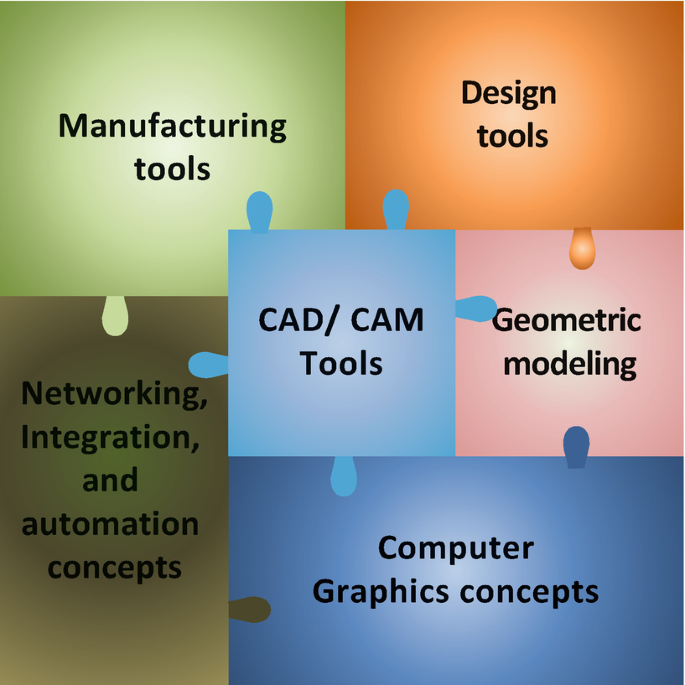
Instead of manually operating every machine, manufacturers create a design using CAD software and then use CAM software to convert that design into instructions that machines understand.
Think about ordering a custom wooden table. Instead of measuring and cutting every piece by hand, a CNC machine follows the digital instructions created through Computer-Aided Manufacturing and produces every cut with remarkable precision.
That’s why CAM in manufacturing has become an essential part of modern factories.
How Does CAM (Computer-Aided Manufacturing) Work? ⚙️
The CAM process is surprisingly straightforward.
Step 1: Create the Design
Everything starts with a CAD (Computer-Aided Design) model. Designers create a detailed 2D or 3D model of the product.
Step 2: Import into CAM Software
The CAD model is imported into CAM software, where manufacturing instructions are prepared.
Step 3: Generate Toolpaths
The software calculates the exact movement of cutting tools.
These toolpaths determine:
- Cutting speed
- Tool direction
- Material removal
- Drilling locations
- Finishing operations
Step 4: Convert into Machine Code
The software generates G-code, which CNC machines can understand.
Step 5: Manufacturing Begins
The CNC machine follows the instructions and manufactures the product with high accuracy.
Watching this process for the first time completely changed how I looked at manufacturing. What seemed like a complicated operation was actually a series of well-planned computer instructions.
Why is Computer-Aided Manufacturing Important? 🌍
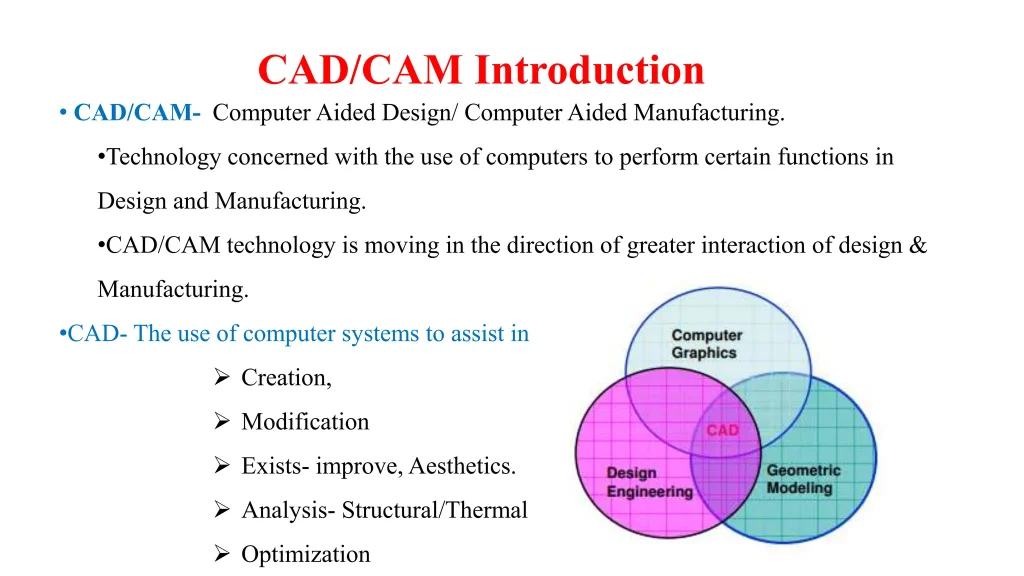
Imagine manufacturing 5,000 identical mobile phone cases manually.
Sounds exhausting, right?
Now imagine a CNC machine producing all 5,000 with almost identical dimensions.
That’s the power of Computer-Aided Manufacturing.
Some major reasons manufacturers use CAM in manufacturing include:
- Higher accuracy
- Less material waste
- Faster production
- Better product quality
- Lower manufacturing costs
- Reduced human error
- Consistent production
Without CAM software, many industries would struggle to meet today’s production demands.
Benefits of CAM (Computer-Aided Manufacturing) 🚀
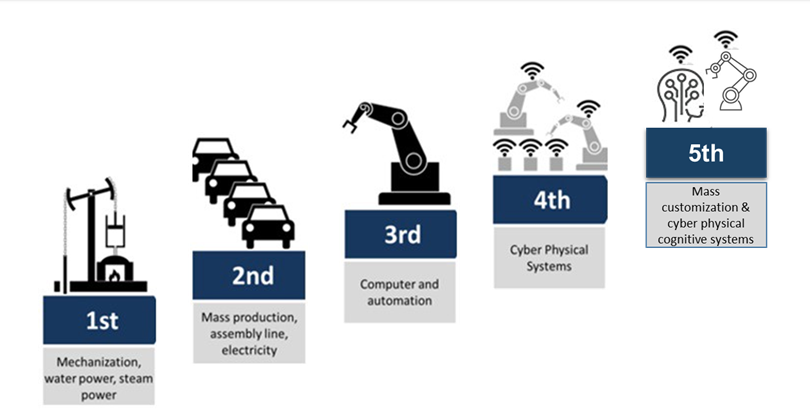
Let’s look at the biggest benefits of CAM.
1. Higher Accuracy
Machines follow exact digital instructions, reducing mistakes significantly.
2. Faster Manufacturing
A machine never gets tired.
Once programmed, it can manufacture products continuously.
3. Better Product Quality
Every product is manufactured using the same instructions.
This creates consistency across thousands of products.
4. Reduced Material Waste
One thing I appreciate about CAM software is how efficiently it uses raw materials.
Less waste means lower costs and a more environmentally friendly manufacturing process.
5. Increased Productivity
Factories can manufacture more products in less time.
6. Improved Worker Safety
Dangerous manufacturing tasks can be handled by automated machines instead of people.
7. Easy Design Modifications
Need to update a product?
Simply modify the CAD design and generate new manufacturing instructions.
No need to redesign the entire process.
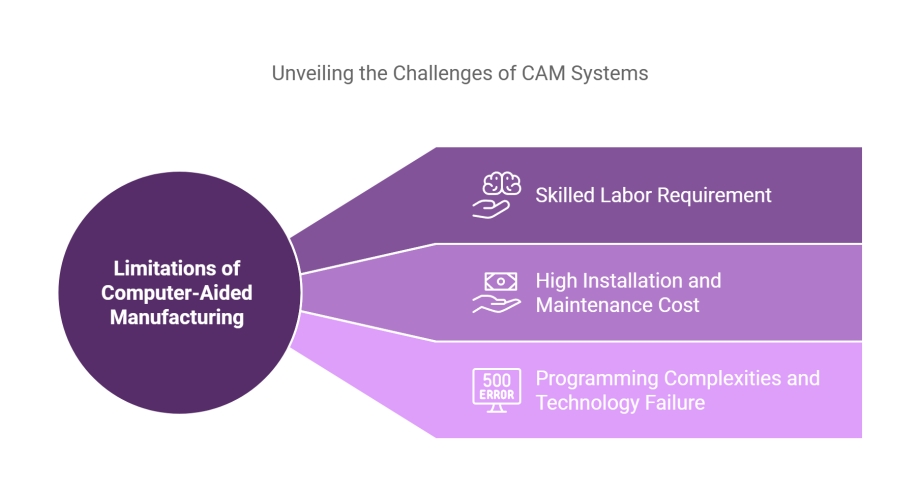
Applications of CAM in Manufacturing 🏭
One thing that surprised me was how many industries rely on Computer-Aided Manufacturing.
Some common CAM applications include:
🚗 Automobile Industry
Manufacturing:
- Engine parts
- Car frames
- Brake components
- Gear systems
✈️ Aerospace Industry
Aircraft manufacturers use CAM software to produce highly accurate components where even tiny errors are unacceptable.
🦷 Medical Industry
Hospitals and manufacturers use CAM in manufacturing to create:
- Dental crowns
- Artificial joints
- Surgical tools
- Prosthetic devices
📱 Electronics Industry
Smartphones, laptops, tablets, and circuit boards all depend on Computer-Aided Manufacturing.
🪑 Furniture Industry
Modern furniture manufacturers use CNC routers powered by CAM software to create beautiful wooden products.
I’ve even seen small workshops use CAM technology to produce custom furniture with impressive precision. It shows that this technology isn’t just for massive factories anymore.
Examples of CAM in Daily Life 🌎
Many people think Computer-Aided Manufacturing only exists inside huge factories.
Actually, we interact with CAM-made products every single day.
For example:
- Your smartphone
- Your laptop
- Your dining table
- Your bicycle
- Kitchen appliances
- Eyeglasses
- Car parts
- Watches
- Medical equipment
Almost everything around us has been touched by CAM in manufacturing at some stage.
Difference Between CAD and CAM 📊
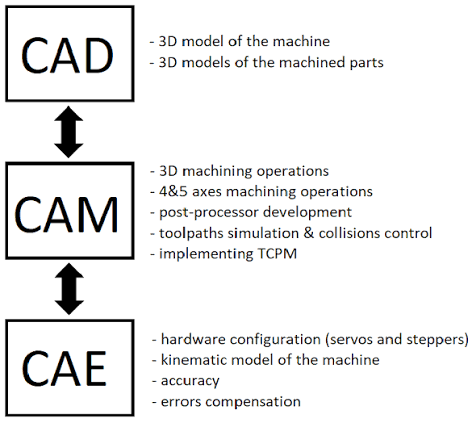
Many beginners confuse CAD and CAM.
Here’s an easy way to remember them:
| CAD | CAM |
|---|---|
| Creates the design | Manufactures the design |
| Used by designers | Used by manufacturers |
| Produces digital drawings | Produces machine instructions |
| Focuses on product design | Focuses on product manufacturing |
I like to think of it this way:
- CAD designs the dream.
- CAM builds the dream.
They work together to transform an idea into a real product.
Popular CAM Software 💻
Some widely used CAM software includes:
- Mastercam
- Fusion 360
- SolidCAM
- Edgecam
- Siemens NX CAM
- GibbsCAM
- ESPRIT CAM
- PowerMill
Each software offers different features depending on the manufacturing requirements.
Challenges of Computer-Aided Manufacturing
Although Computer-Aided Manufacturing offers many advantages, it also has a few limitations.
Some common challenges include:
- High initial investment
- Employee training requirements
- Regular software updates
- Machine maintenance costs
- Skilled programmers are needed
Despite these challenges, the long-term benefits usually outweigh the initial costs.
The Future of CAM (Computer-Aided Manufacturing) 🤖

The future of CAM in manufacturing looks exciting.
With technologies like:
- Artificial Intelligence (AI)
- Machine Learning
- Robotics
- Industrial Internet of Things (IIoT)
- Digital Twins
- Smart Factories
Computer-Aided Manufacturing is becoming smarter, faster, and more efficient.
I believe we’ll soon see factories where machines communicate with each other, predict maintenance needs, and optimize production with very little human intervention. We’re already moving in that direction, and it’s fascinating to watch.
Final Thoughts
So, What is CAM (Computer-Aided Manufacturing)? Simply put, it’s the technology that helps manufacturers turn digital designs into real products using computer-controlled machines.
Whether it’s a car engine, a smartphone, or a medical implant, Computer-Aided Manufacturing plays a major role in producing high-quality products quickly and accurately.
When I first started learning about manufacturing technologies, CAM sounded intimidating. But after breaking it down into simple steps, I realized it’s really about making manufacturing smarter—not harder. Once you understand how CAD and CAM work together, the entire production process becomes much easier to understand.
As industries continue to embrace automation, learning What is CAM (Computer-Aided Manufacturing)? is no longer just for engineers. It’s valuable knowledge for students, professionals, and anyone curious about how the products we use every day are made.
Frequently Asked Questions (FAQs) ❓
1. What is CAM (Computer-Aided Manufacturing)?
CAM (Computer-Aided Manufacturing) is the use of computer software to control manufacturing machines and automate the production of products with high precision.
2. What is the difference between CAD and CAM?
CAD is used to design a product, while CAM uses that design to manufacture the product using machines.
3. What are the benefits of CAM?
Some major benefits of CAM include higher accuracy, faster production, reduced material waste, improved product quality, lower costs, and better productivity.
4. Where is CAM used?
CAM in manufacturing is widely used in industries such as automotive, aerospace, medical, electronics, furniture, and metal fabrication.
5. Can CAM work without CAD?
In most cases, no. CAM software typically requires a CAD model to generate the machine instructions needed for manufacturing.
If You are a student learn Python Course, Java, or Frontend Developer Course, Visit www.kaashivinfotech.com.